What makes a ChatGPT image prompt more reliable?
State the job, subject, and composition first, then add camera, light, format, and details that must stay fixed. Revise only the failed part after the first result.

Model prompt collection
Start with 16 real results and find a prompt that fits your project.
This collection pairs complete, copy-ready prompts with their generated results. Choose a portrait, character, poster, or product direction, then open an example and replace the subject, product, colors, or format for your own brief.
16 curated examples · complete bilingual prompts · a real result for every prompt
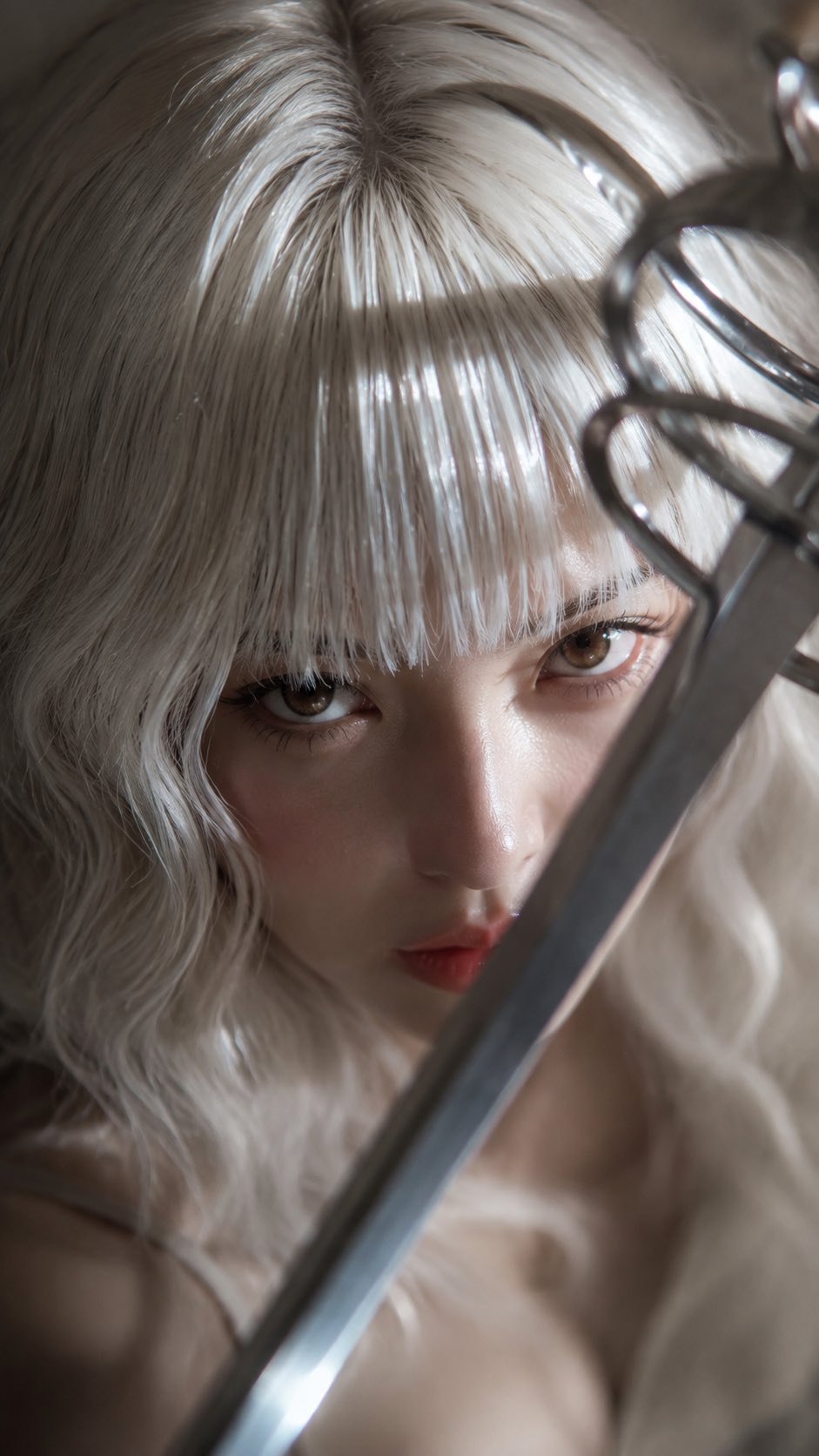
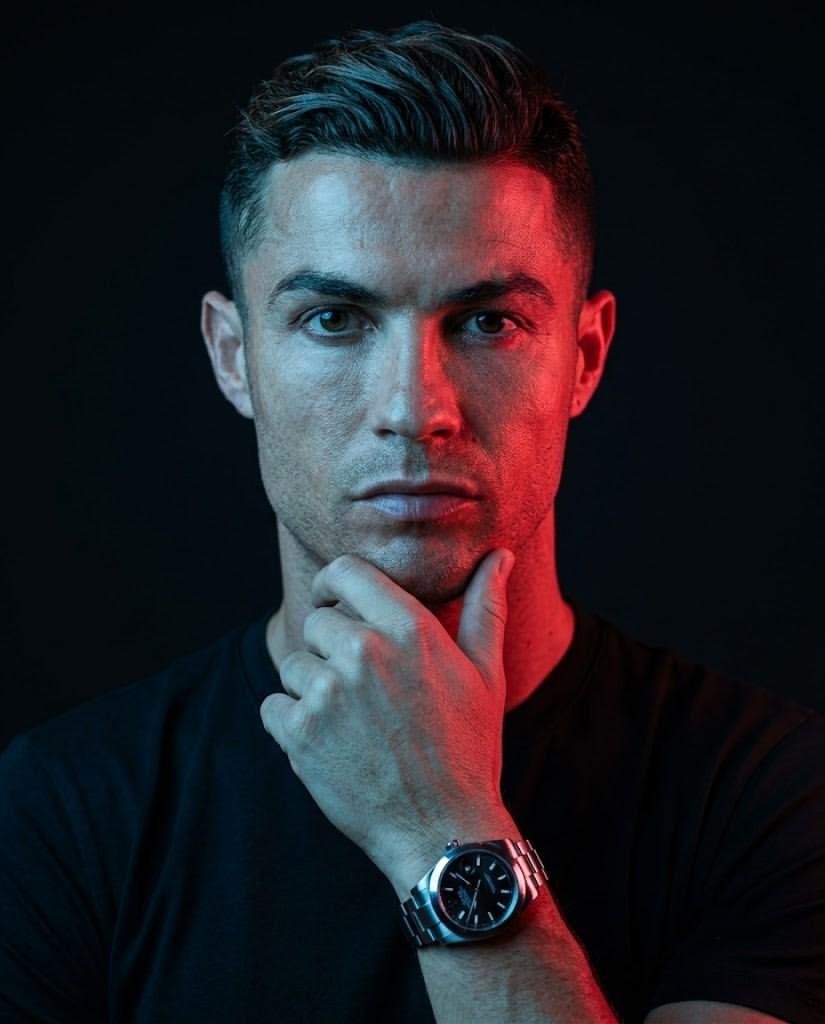
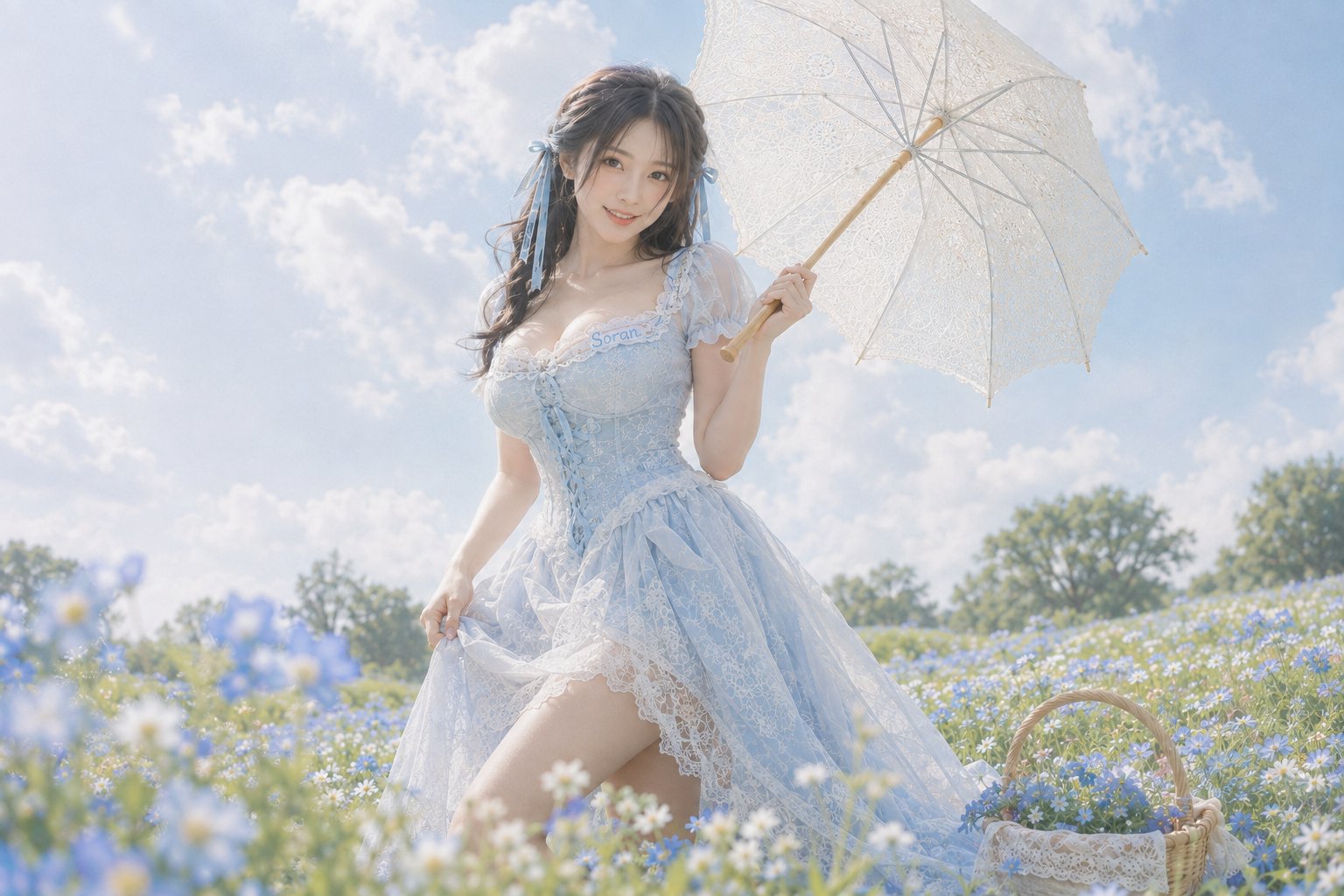
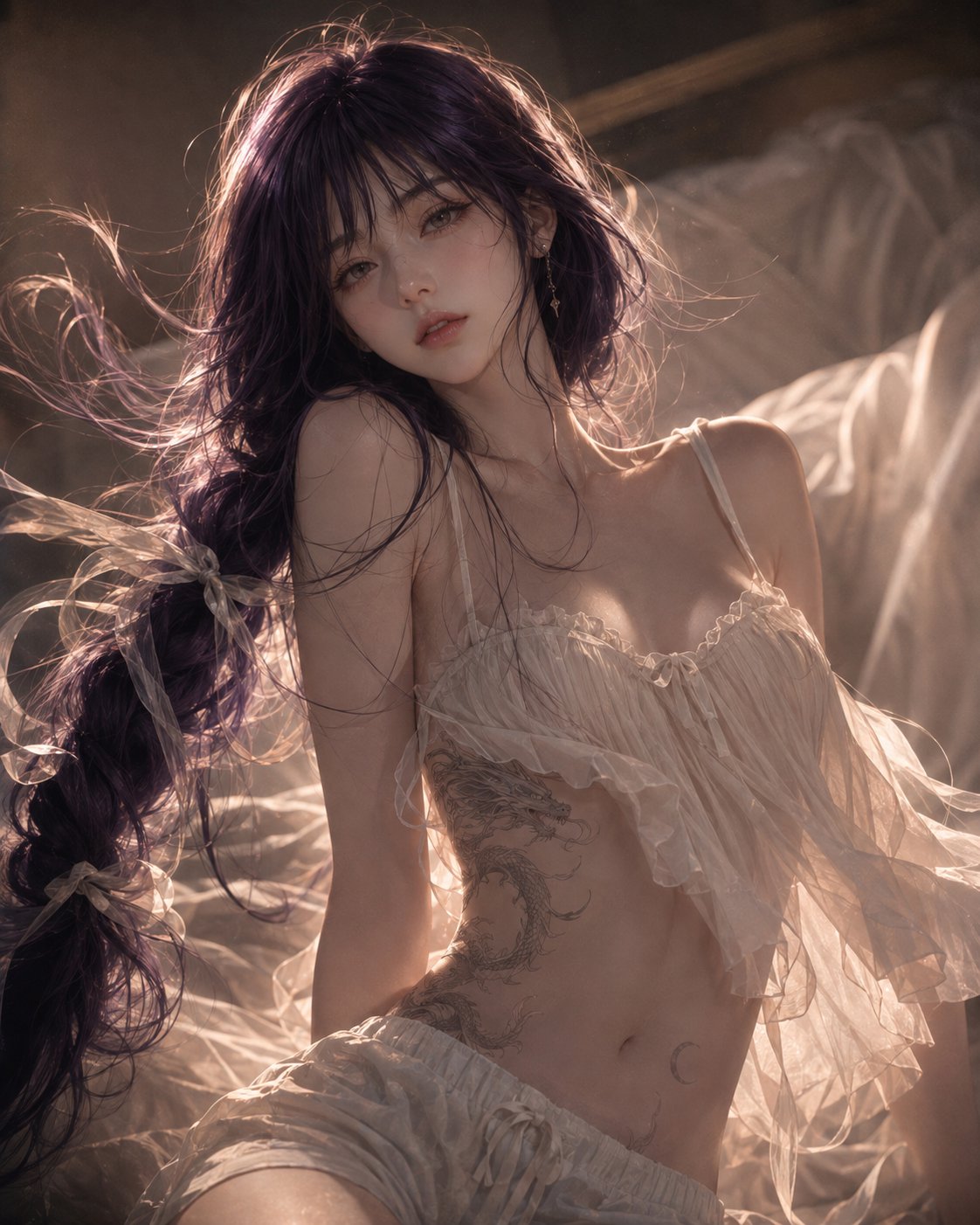
Curated prompts
01 · Realistic & photographic
Start with identity, camera, and light, then adapt clothing and setting across studio close-ups and natural lifestyle portraits.
02 · Characters & illustration
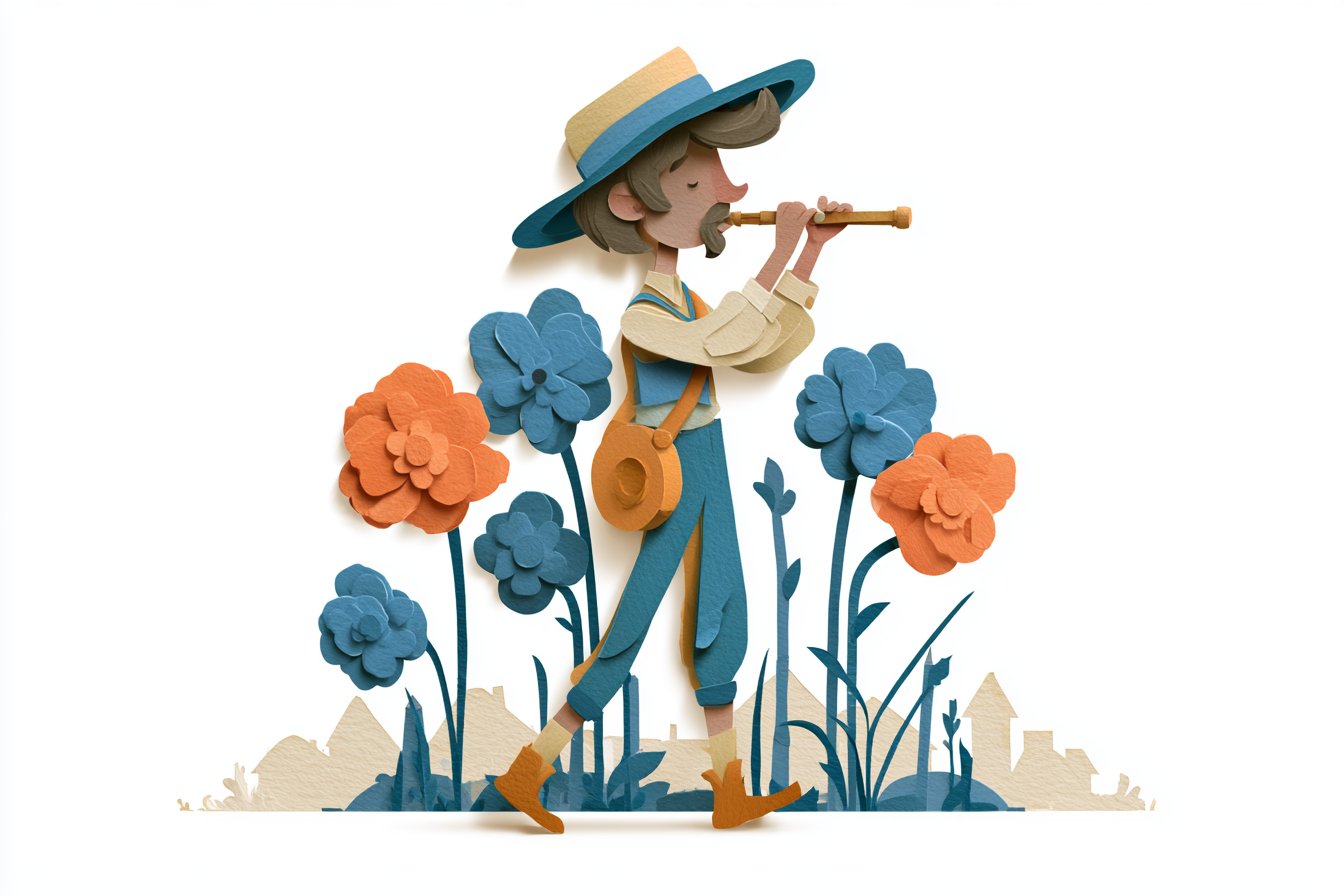
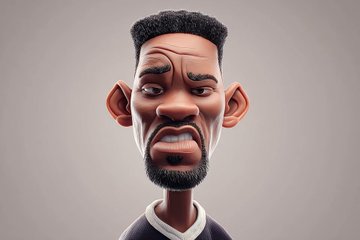
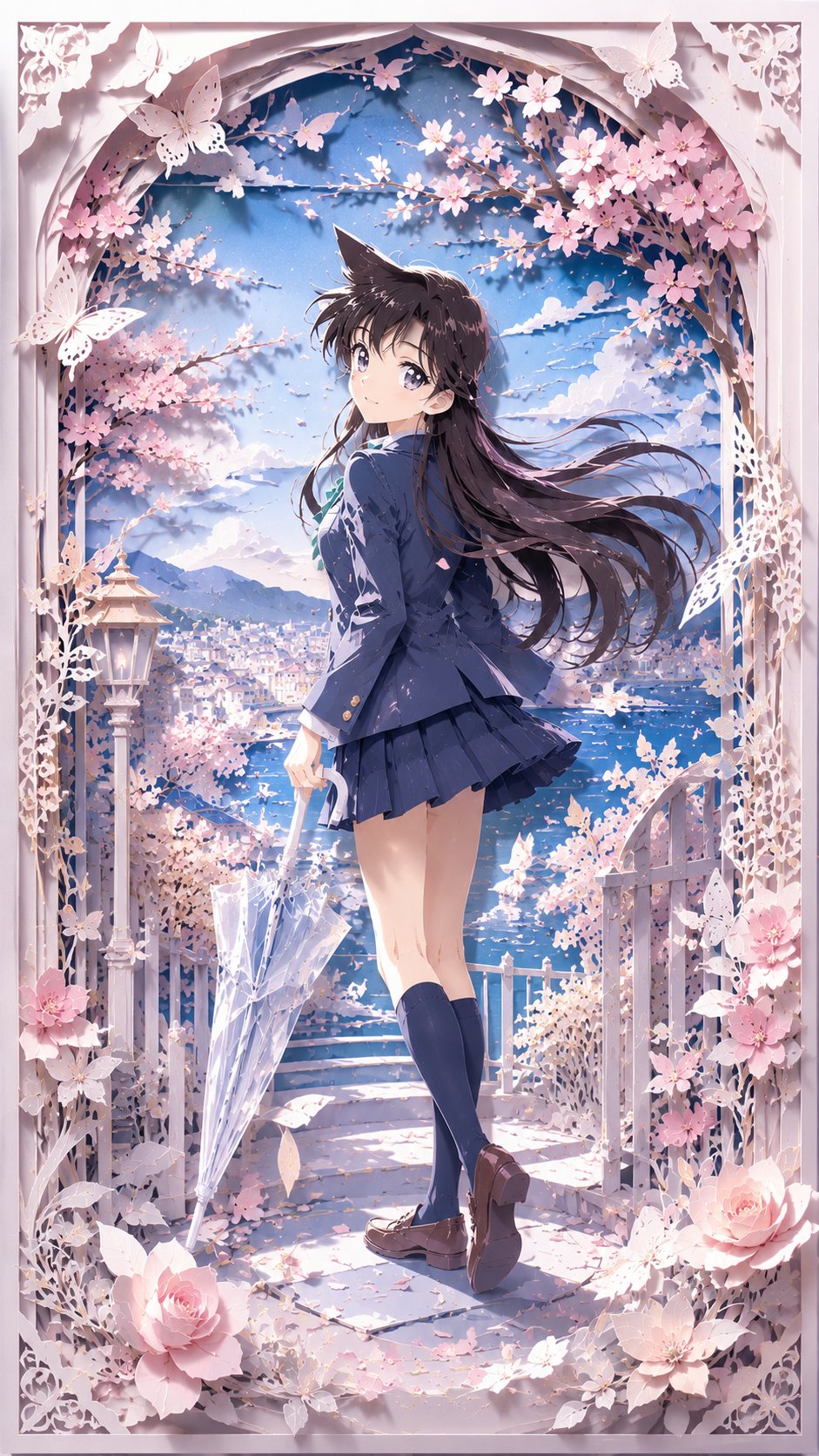
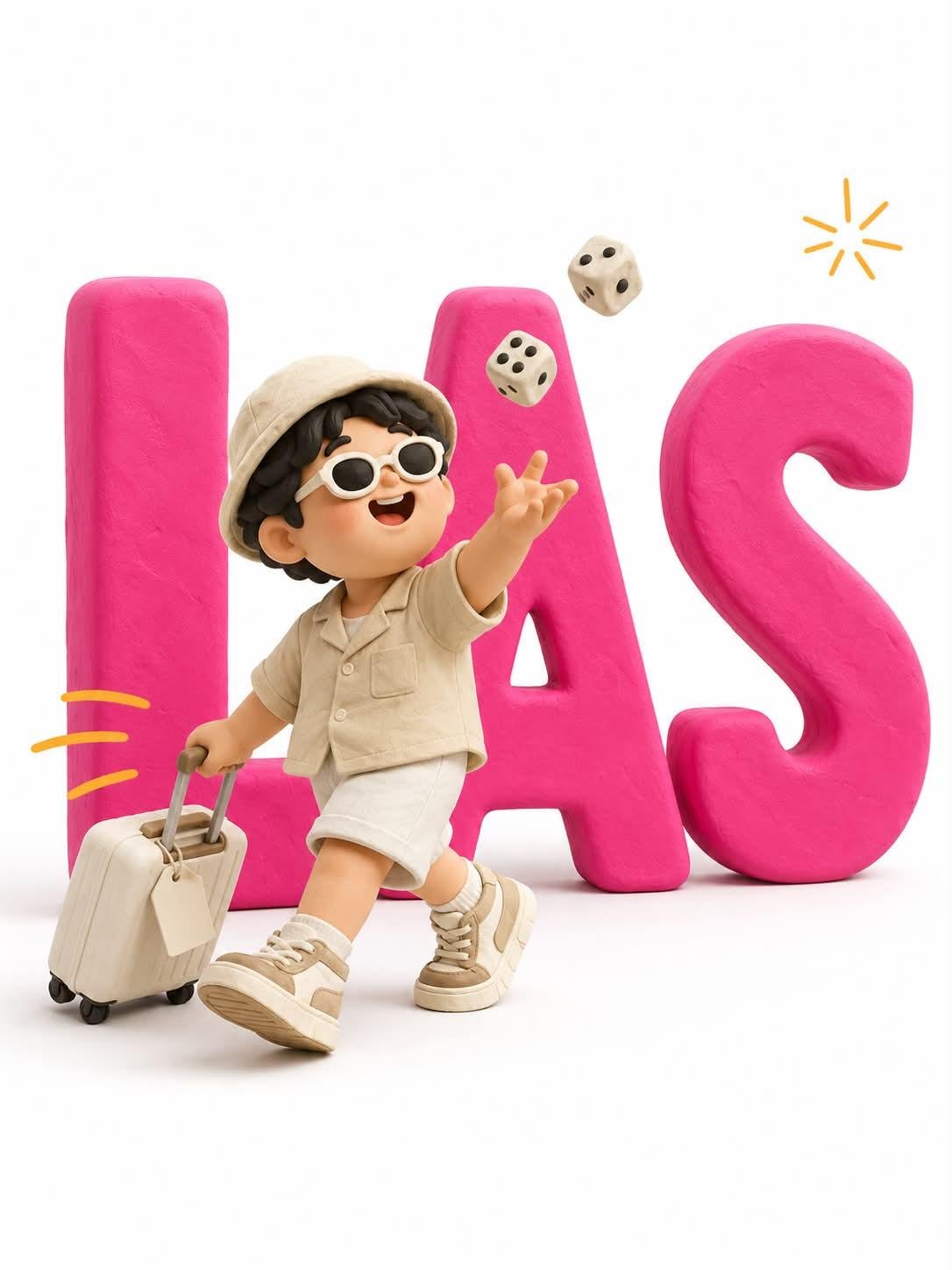
Use clear silhouette, material, and action constraints for paper-cut art, 3D avatars, anime characters, and clay typography.
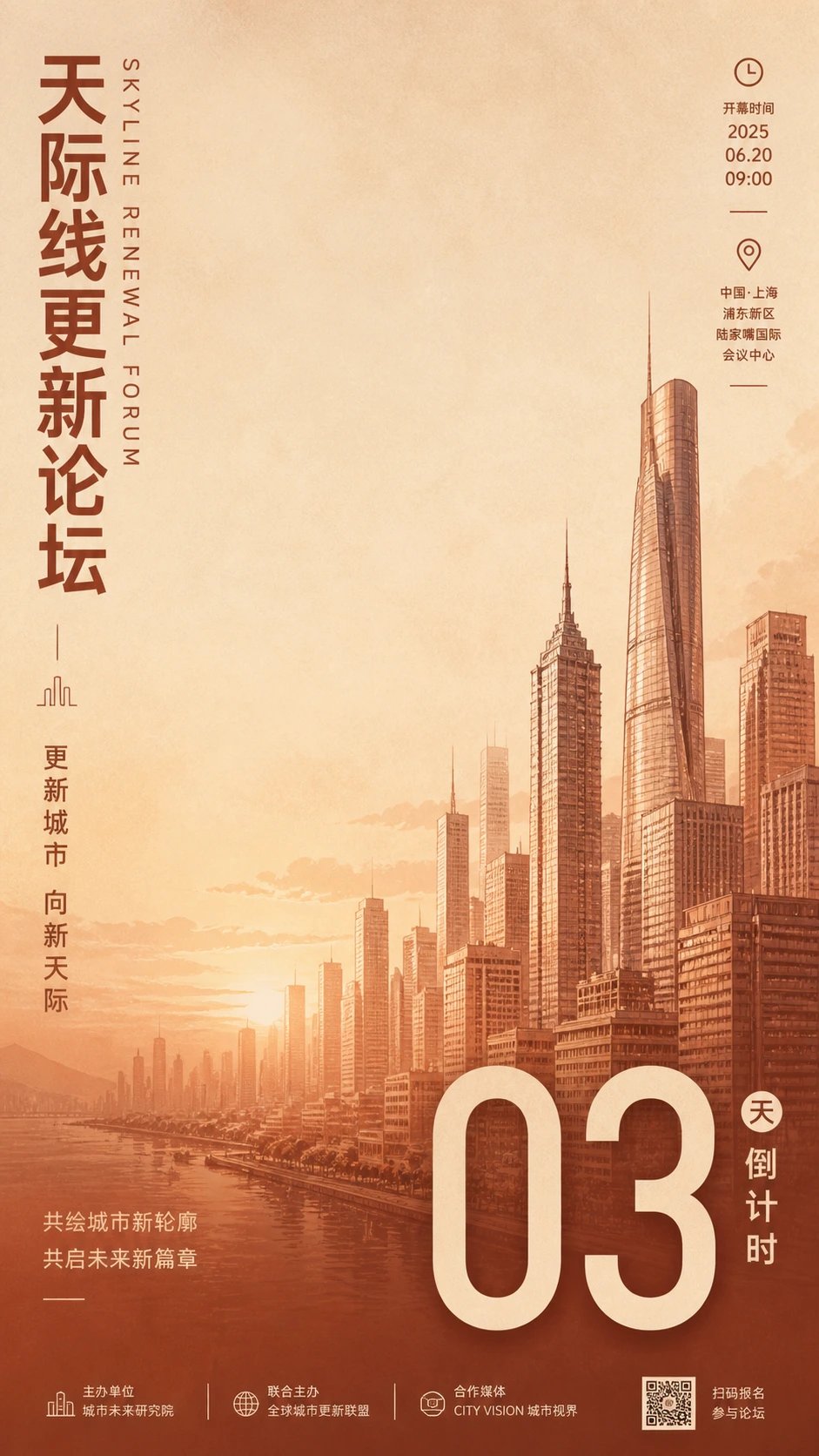
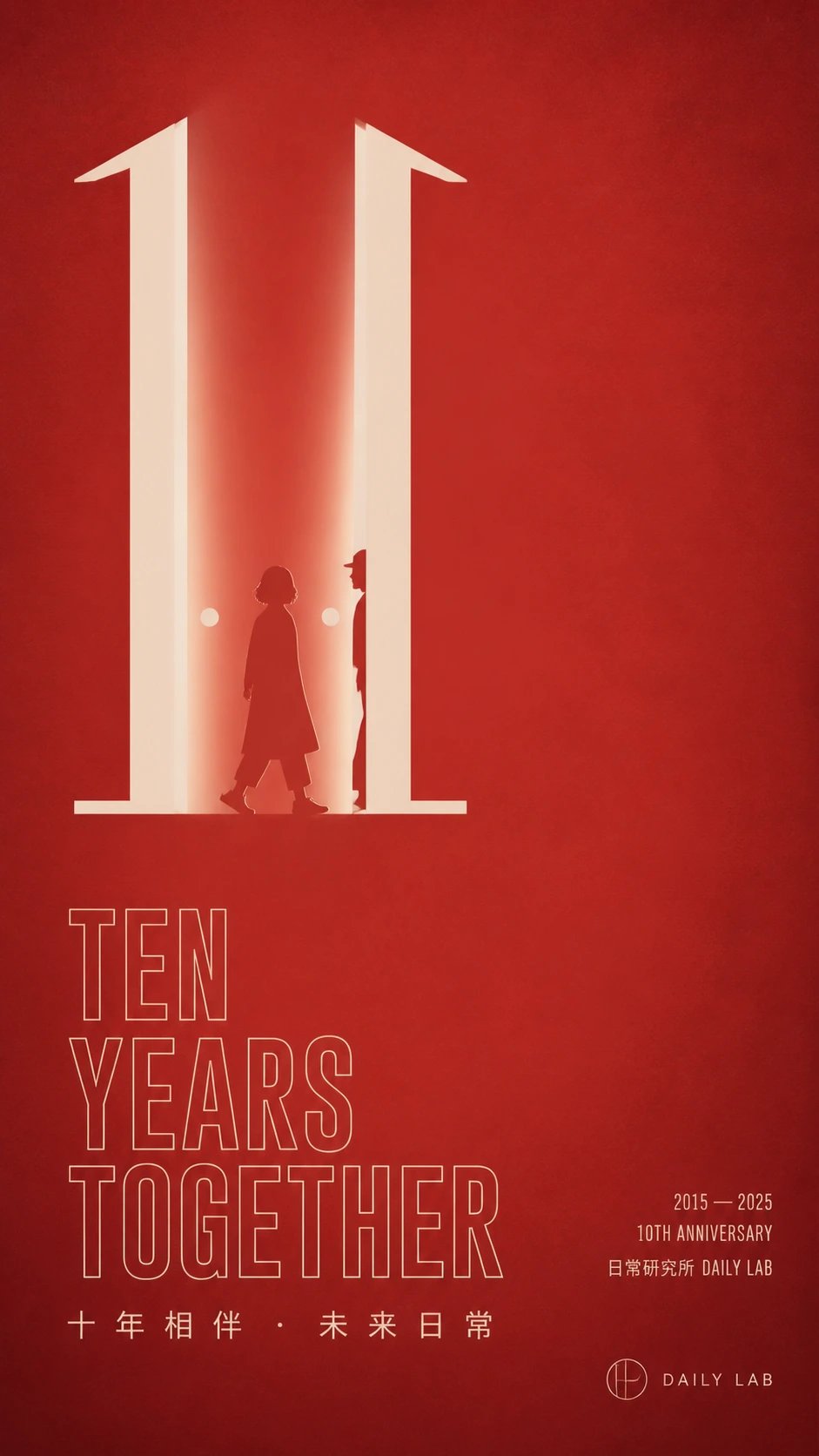
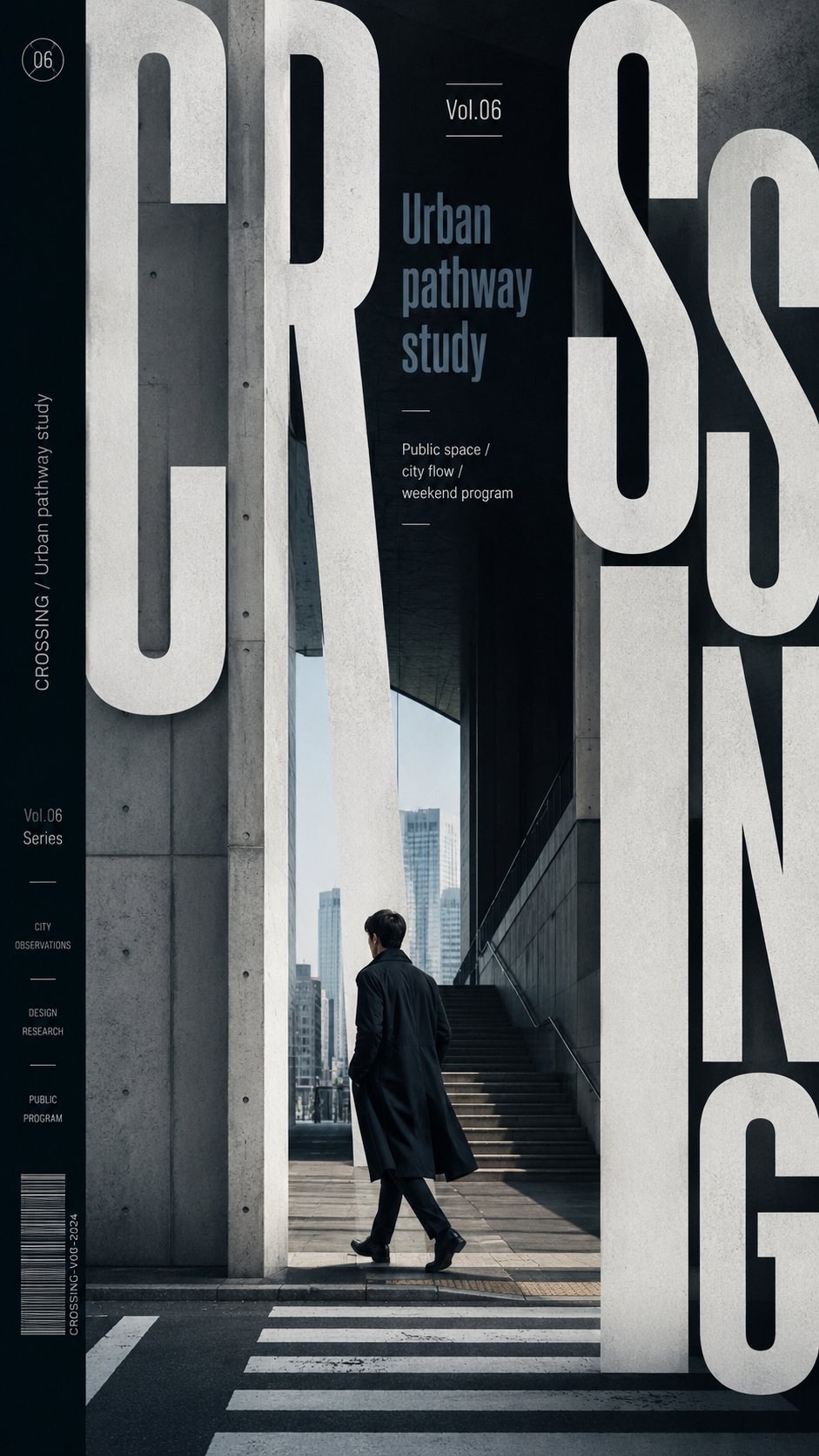
03 · Posters & layout
These prompts control layout, hierarchy, and text-safe zones. Generate the visual base first, then add accurate headlines, dates, and brand copy.
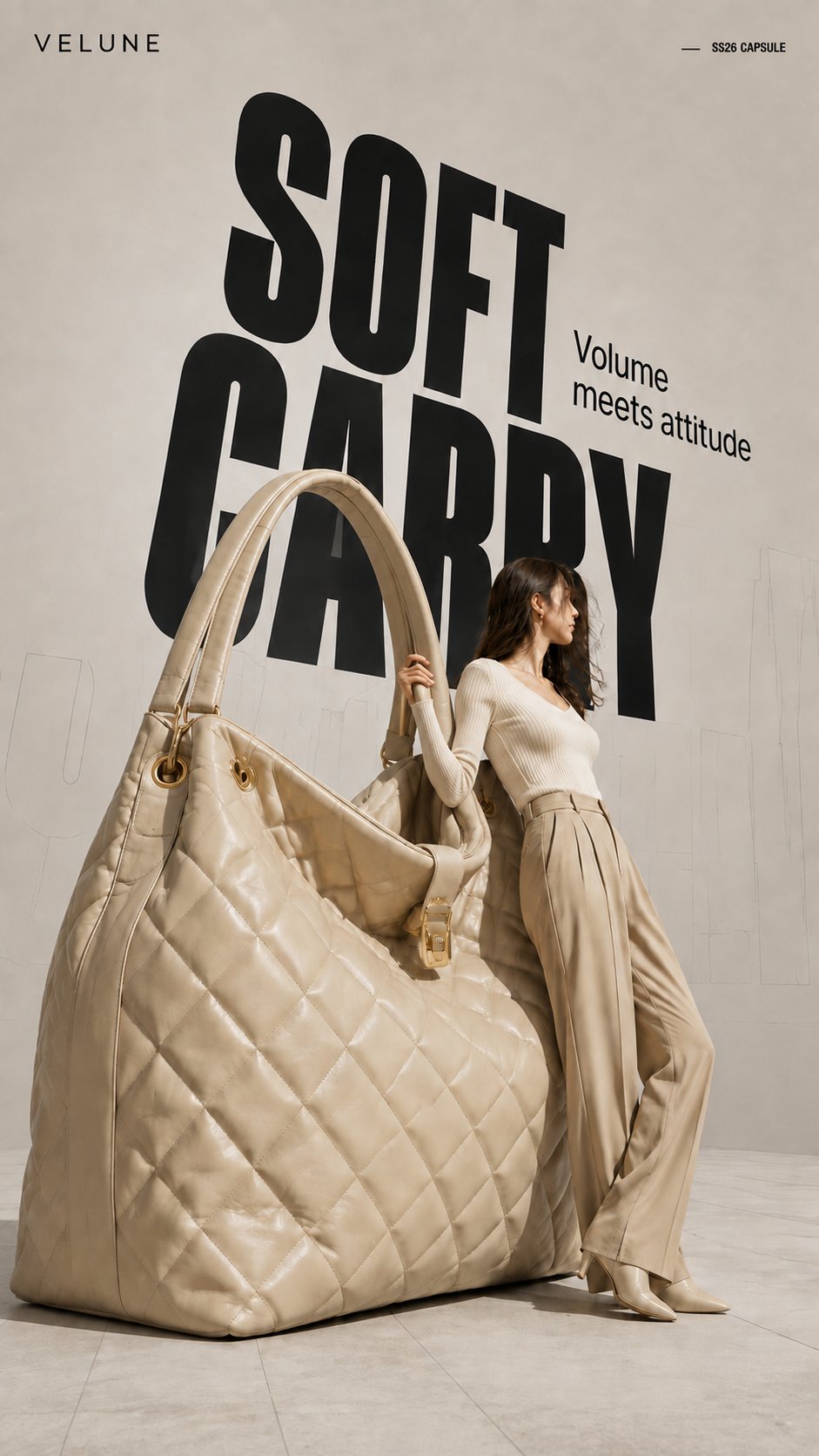
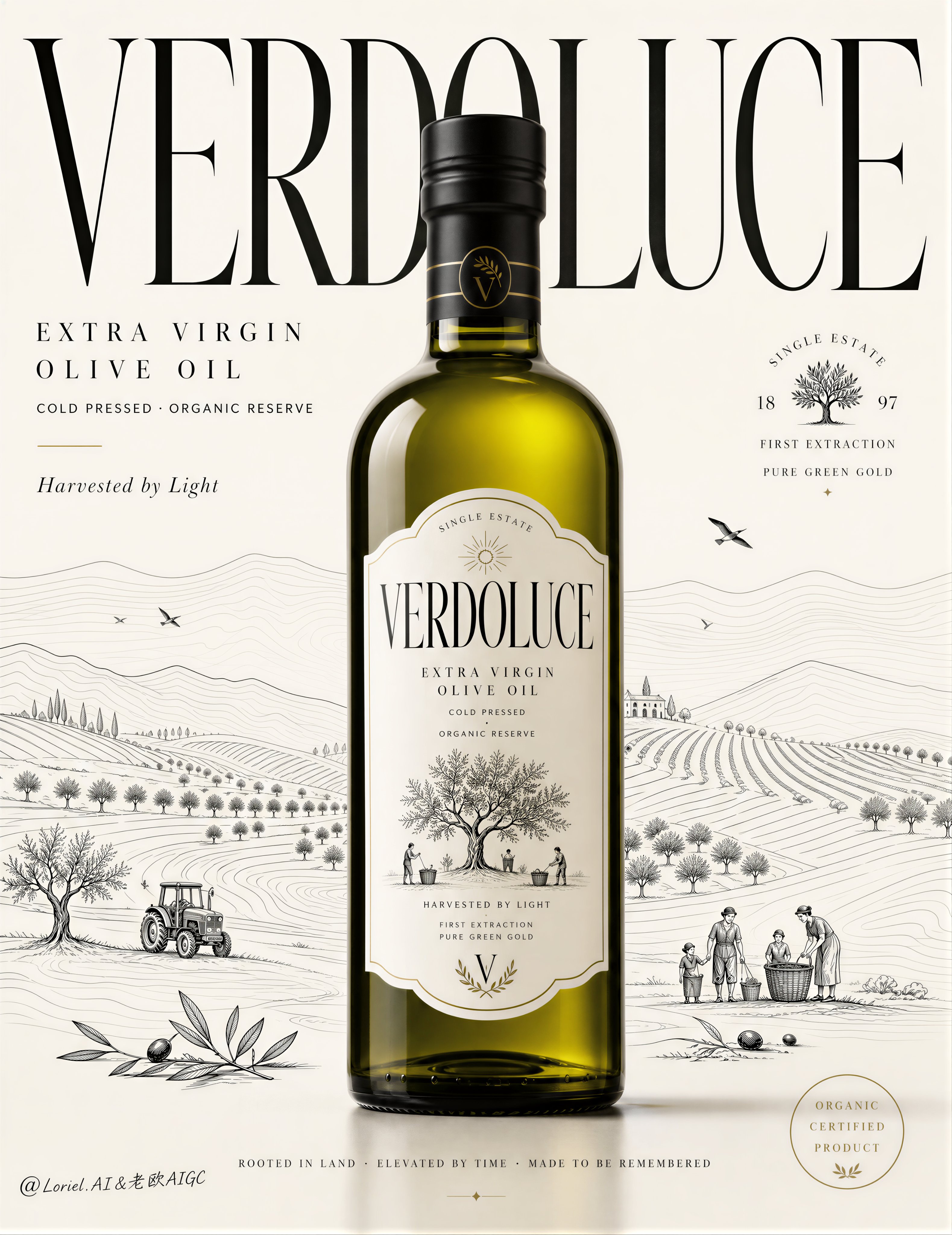
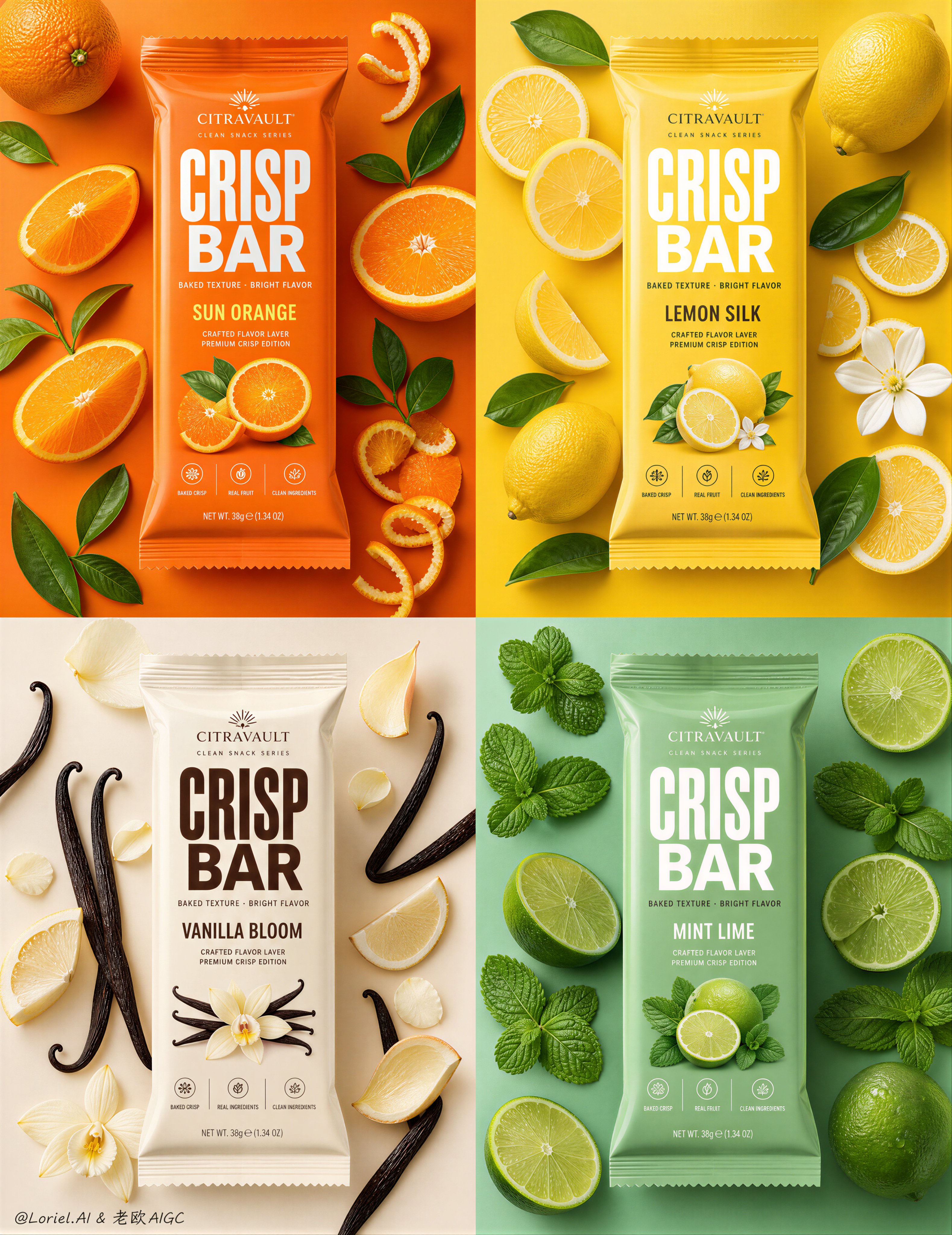
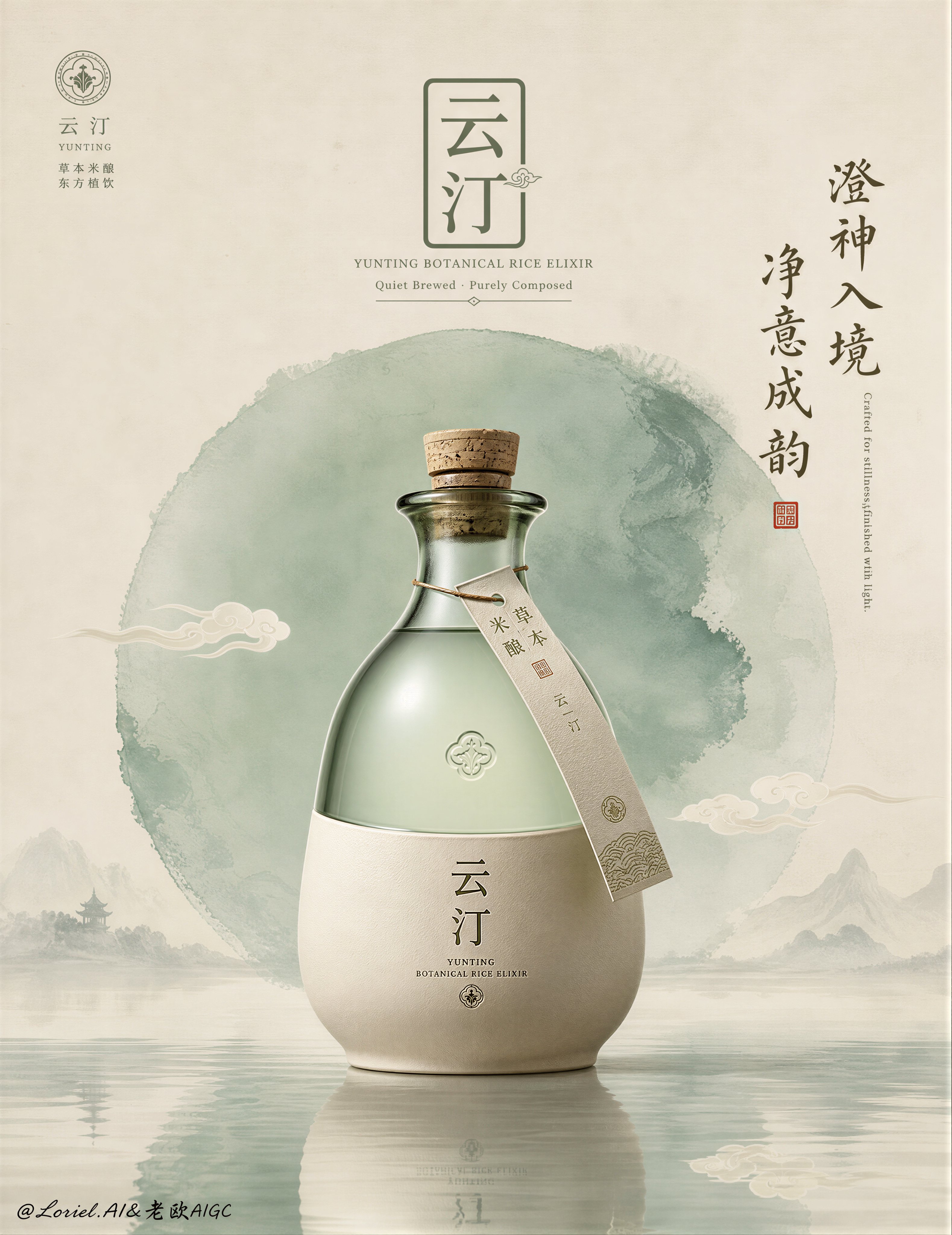
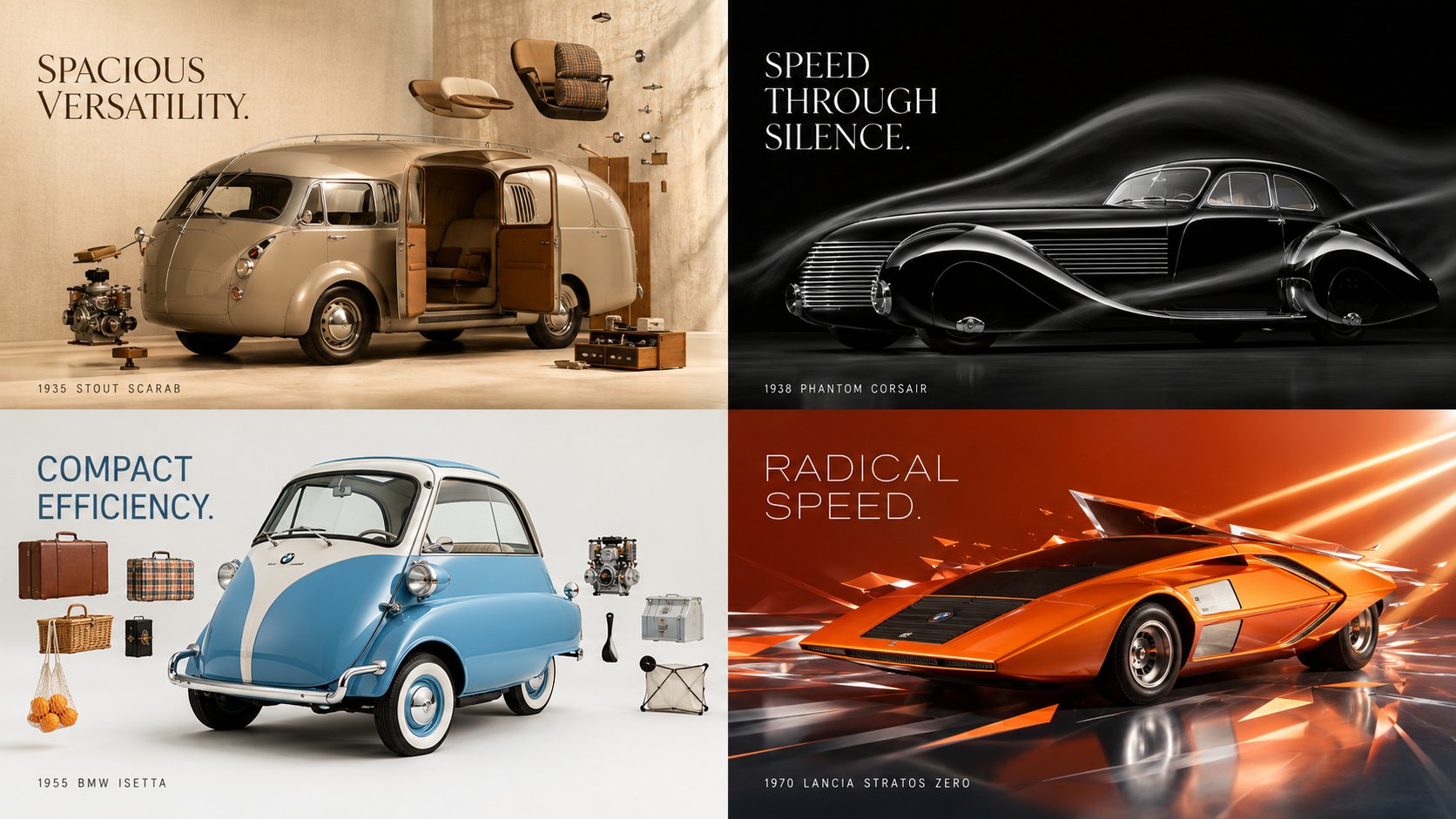
04 · Product & commercial
Lock package geometry, material, and camera first, then expand into hero posters, product families, and multi-frame campaigns without visual drift.
How to use the prompts
Every example includes a real result and full prompt. Choose the closest one, then change only the variables that matter to your project.
Decide whether you need a portrait, character, poster, or product visual before choosing a style.
Review the generated result, full prompt, and useful parameters before adapting the composition.
Change the subject, product, setting, colors, and format while preserving camera and structure that already work.
Fix one problem at a time, such as identity, text-safe space, or product geometry, instead of rewriting the whole prompt.
State the job, subject, and composition first, then add camera, light, format, and details that must stay fixed. Revise only the failed part after the first result.
Yes. Open any example to copy the full prompt, then replace the subject, product, brand colors, and aspect ratio with your own details.
Yes. Upload a clear reference and explicitly list the face, package geometry, color, or logo placement that must not change.
Image generation is best for composition and safe space. Add accurate names, dates, prices, legal copy, and logos in a layout tool.
No. The collection shows a checked set of image prompts so every card has usable media, bilingual titles, and complete content.
Find more models, styles, and creative jobs in the image prompt library.