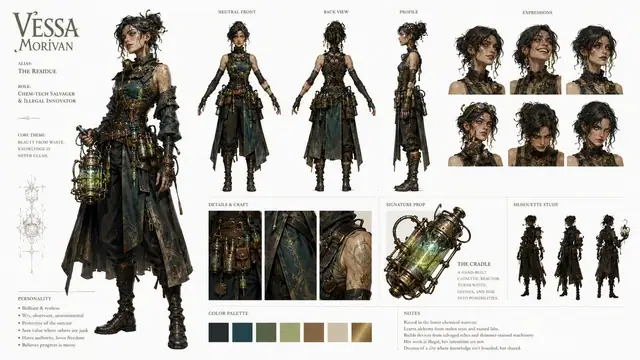
Creative planning and art direction
Turn goals, audiences, channels, dimensions, style, and delivery requirements into a clear production sequence with review criteria.

Taco Design Agent turns a creative brief into a structured plan, visual directions, images, video, 3D work, and review-ready canvas results while keeping you in control.
Taco Design Agent · planning, creation, and professional review
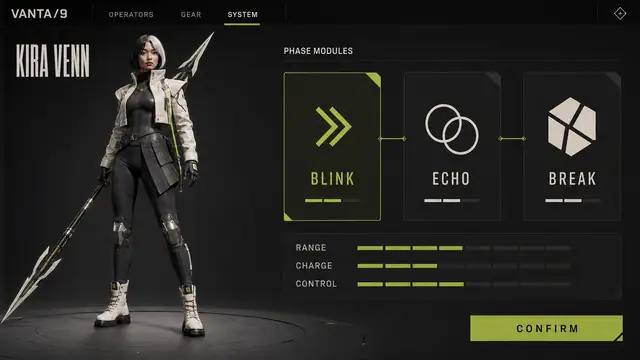
We are verifying your account and studio permissions.
Begin with one concrete deliverable. The agent will structure the missing information.
Professional AI design capabilities
Taco Design Agent goes beyond generating a single asset. It understands the goal and constraints, organizes the work, uses the right creative capabilities, and returns each result to one canvas for comparison and review.
Turn goals, audiences, channels, dimensions, style, and delivery requirements into a clear production sequence with review criteria.
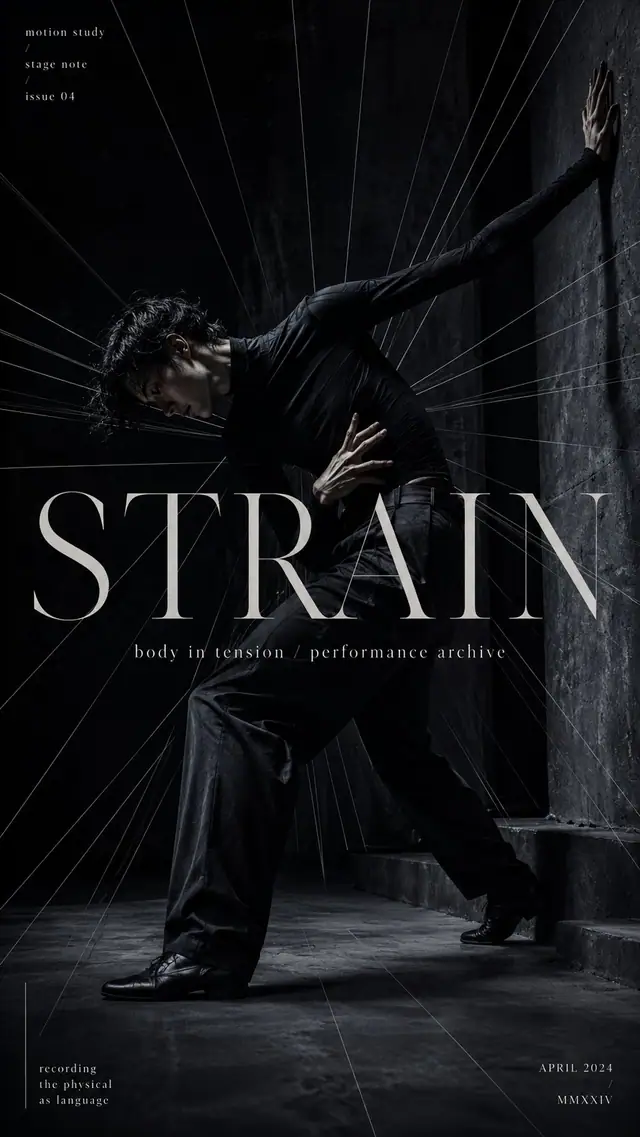
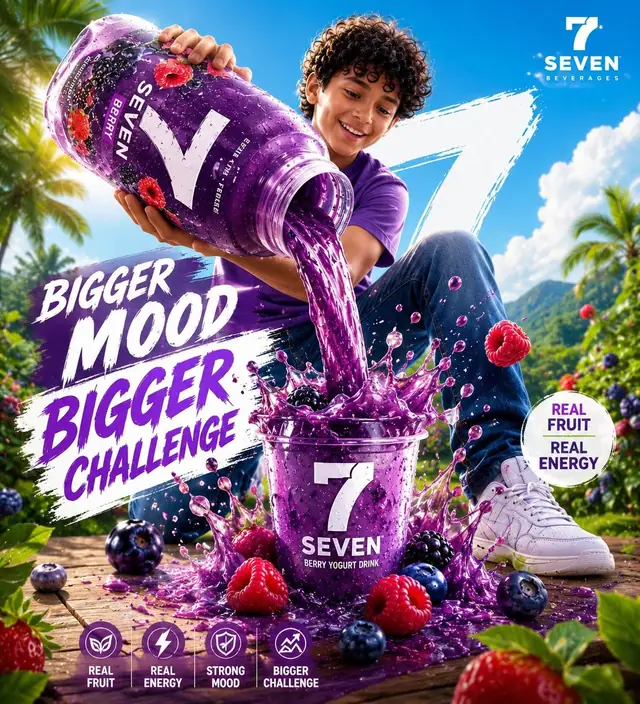
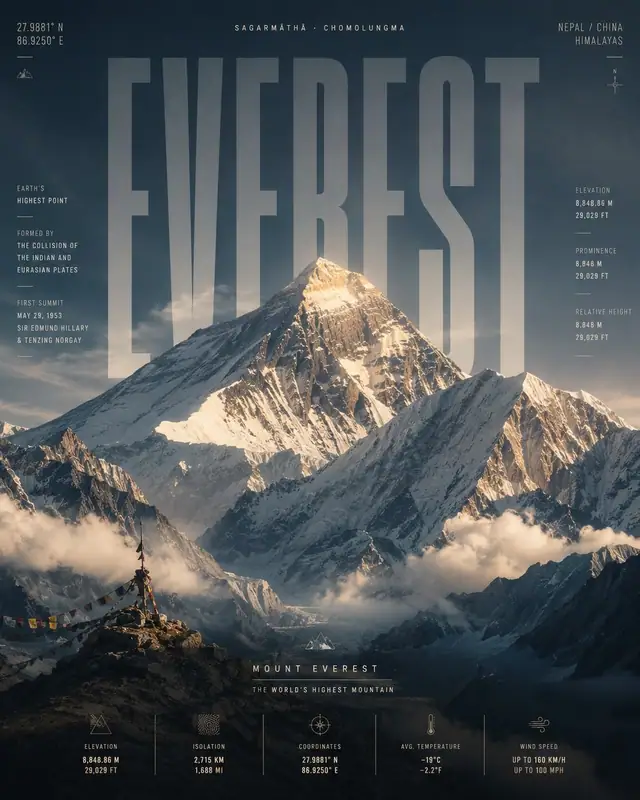
Create posters, product visuals, social content, brand directions, and 3D work from a written brief and references while maintaining consistency across a task.
Extend a creative direction into short-form video concepts and generated outputs, keeping still and motion work together in one project.
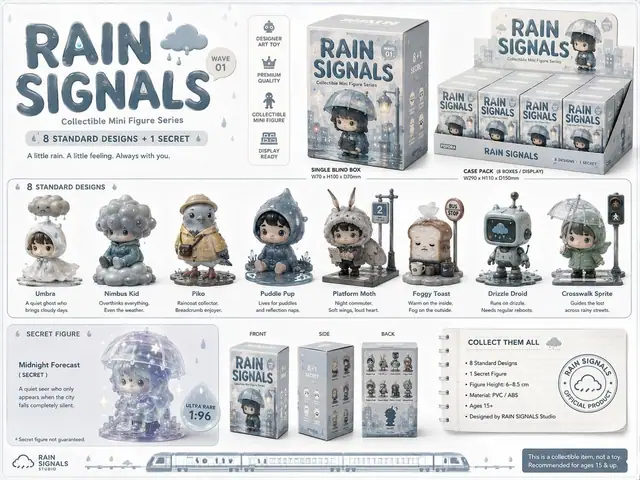
Organize references, attachments, work in progress, and final outputs in one place, retain project context, and review results against the brief.
How it works
Taco Canvas connects conversation, generation, and canvas organization so the brief does not have to be repeated across disconnected tools.
Describe the goal, audience, channel, and hard constraints, then add images, files, or web references when they matter.
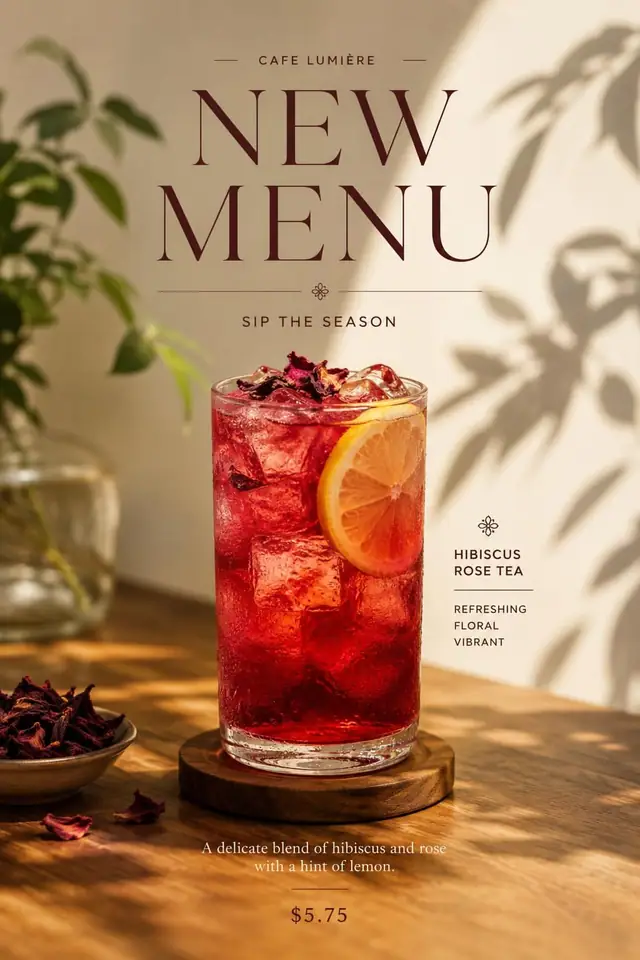
The agent organizes tasks and dependencies, creates images or video, and places outputs on the design canvas in a stable order.
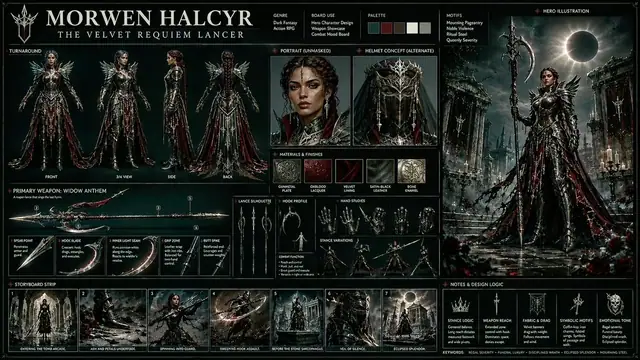
Compare directions on the same canvas, check brand and content constraints, and continue with targeted revisions where needed.
Use cases
Built for creative work that involves multiple deliverables, reference material, and continued iteration rather than a one-off image request.
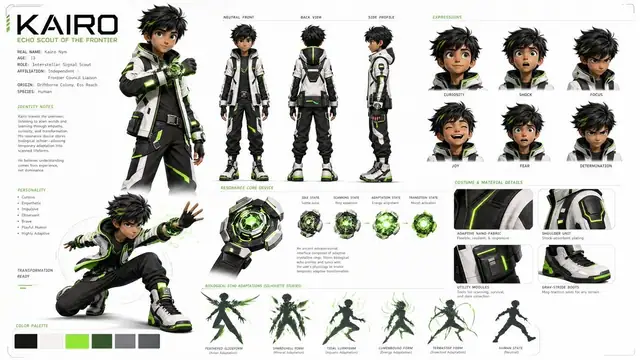
Explore logos, color, typography, visual language, and applications around a brand goal, then carry the agreed constraints into later outputs.
Develop a key visual into posters, social content, product imagery, and short-form video directions while managing sizes and variants together.
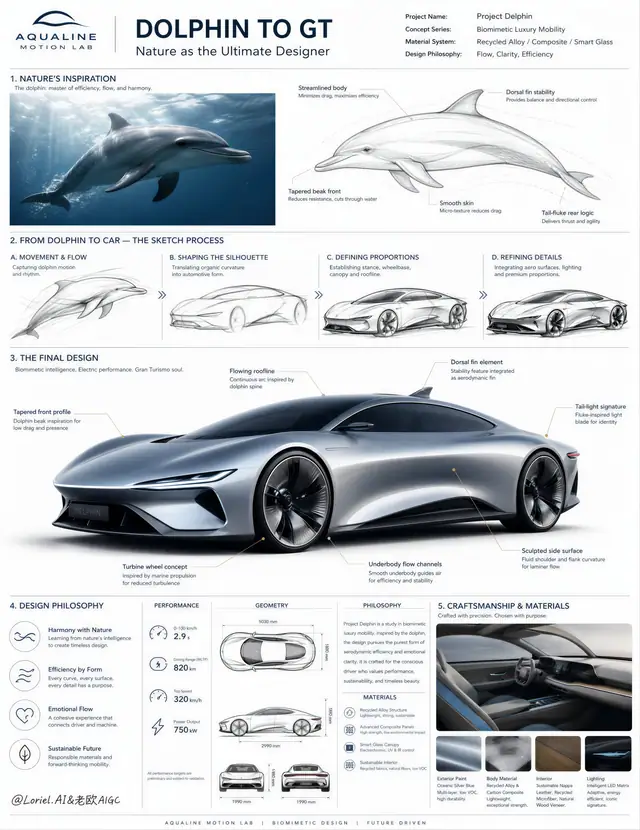
Use uploaded images or files as evidence, translate them into actionable creative directions, and compare generated results side by side.
Frequently asked questions
Learn about current capabilities, references, access, and language support.
Taco Design Agent supports creative planning, image, video, and 3D generation, infinite-canvas editing, attachments, memory, and output review.
A standard generator usually returns a single result. This agent first understands the brief and dependencies, plans multiple deliverables, and organizes, compares, and reviews them on one canvas.
Yes. Reference images, attachments, and web context can guide planning and generation, and the project context is retained for later conversation.
The current private preview is available to tacotaco administrators. Other signed-in users can view the preview notice.
Yes. The interface, system messages, errors, and agent responses follow the language of the page route.