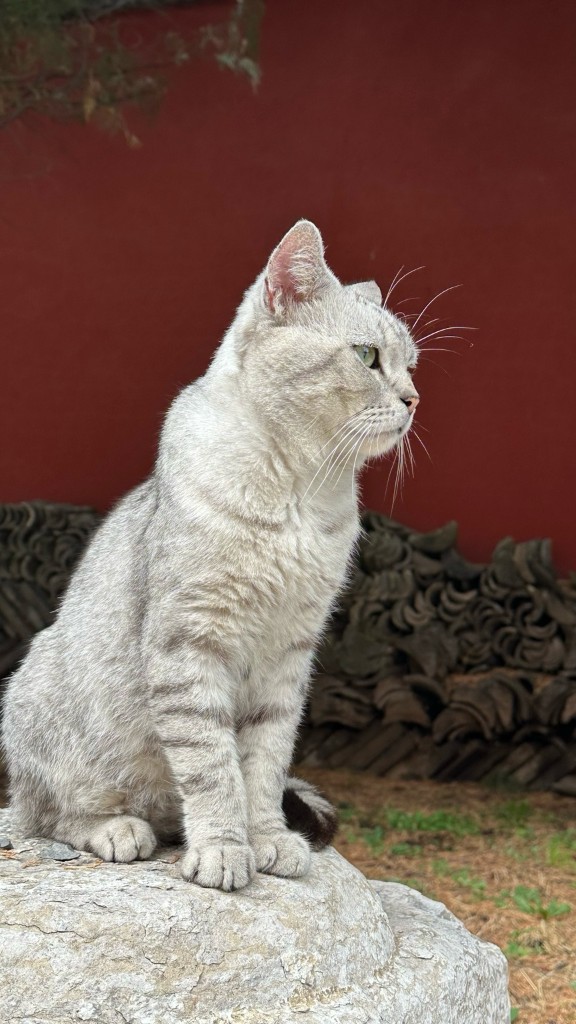
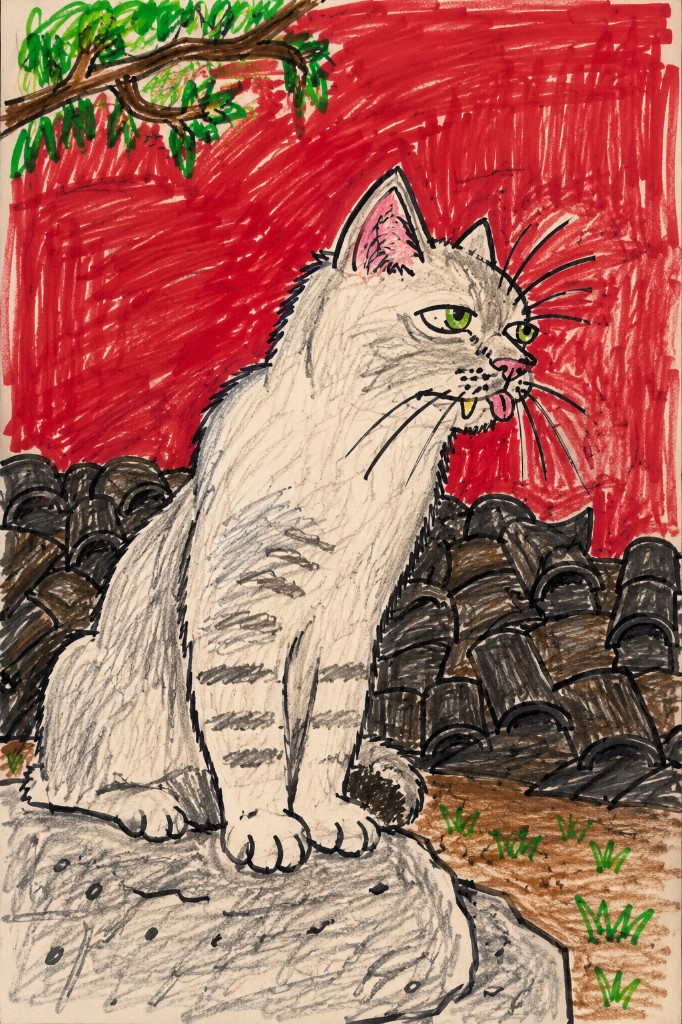
Same photo, suddenly a kid’s messy sketch
Your subject stays in place while lines get rough, proportions go wrong, and color gets messy—that awkward contrast is what makes pet posts and meme avatars land.

Free online · photo to doodle
Upload a photo, pick Ugly doodle or Toddler crayon, and get a deliberately messy meme sketch in under a minute. Selfies, cat pics, and posters all work.
Before & after
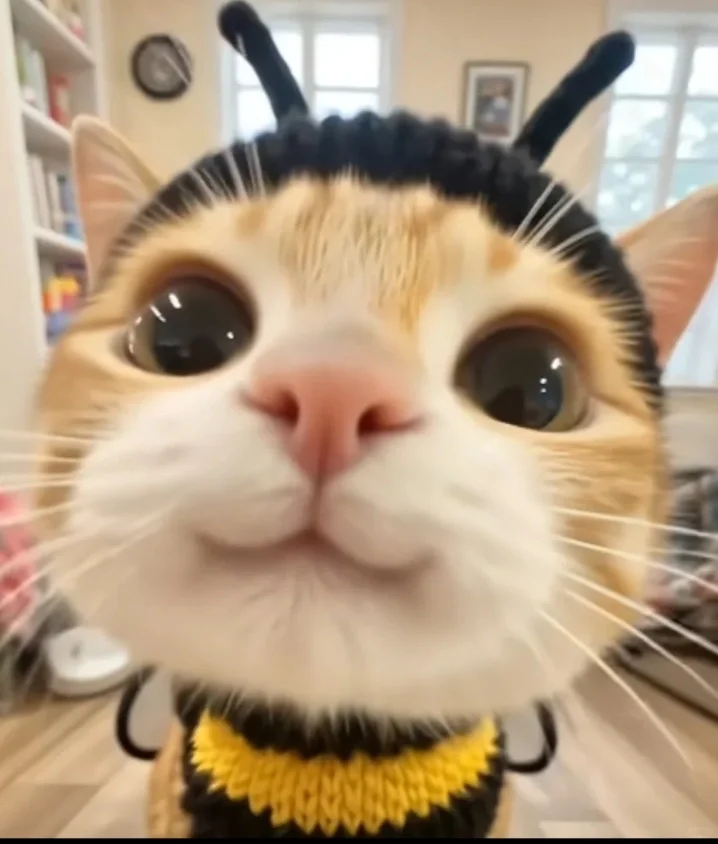
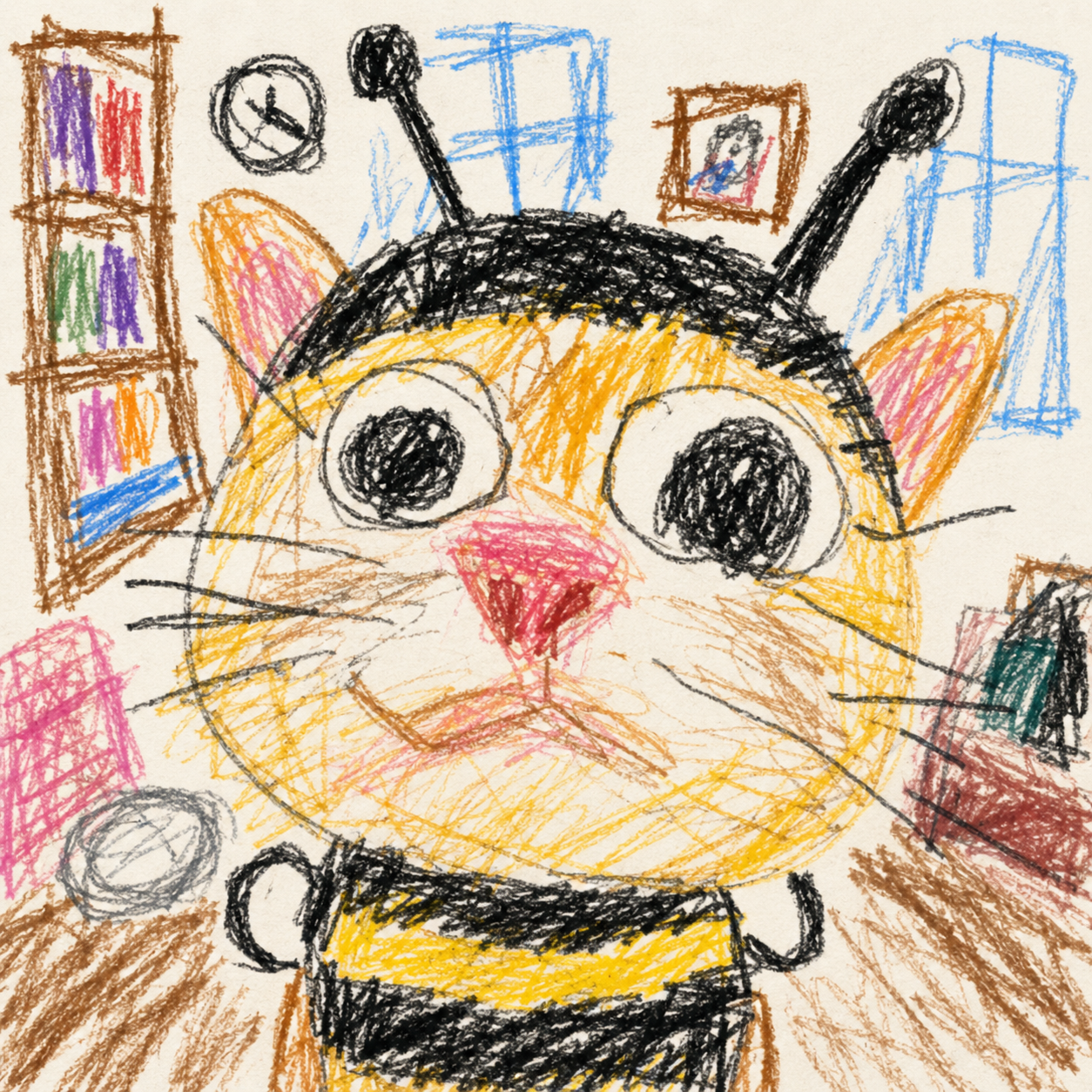
Effect type
2
Styles
≤10MB
Per file
30–90s
First run
Beta
Beta
Want more AI image ideas?
The prompt library has copy-ready prompts and examples—from memes to posters.
Your subject stays in place while lines get rough, proportions go wrong, and color gets messy—that awkward contrast is what makes pet posts and meme avatars land.
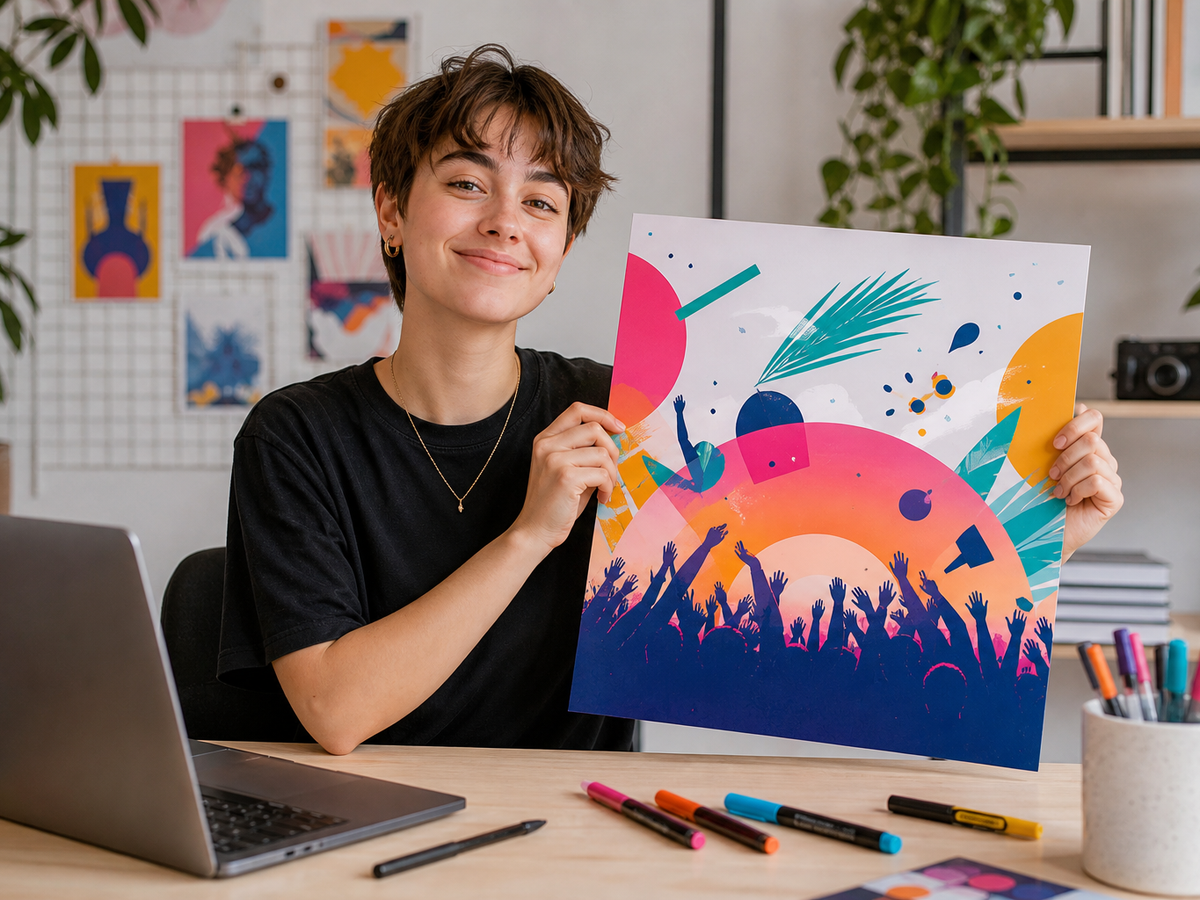
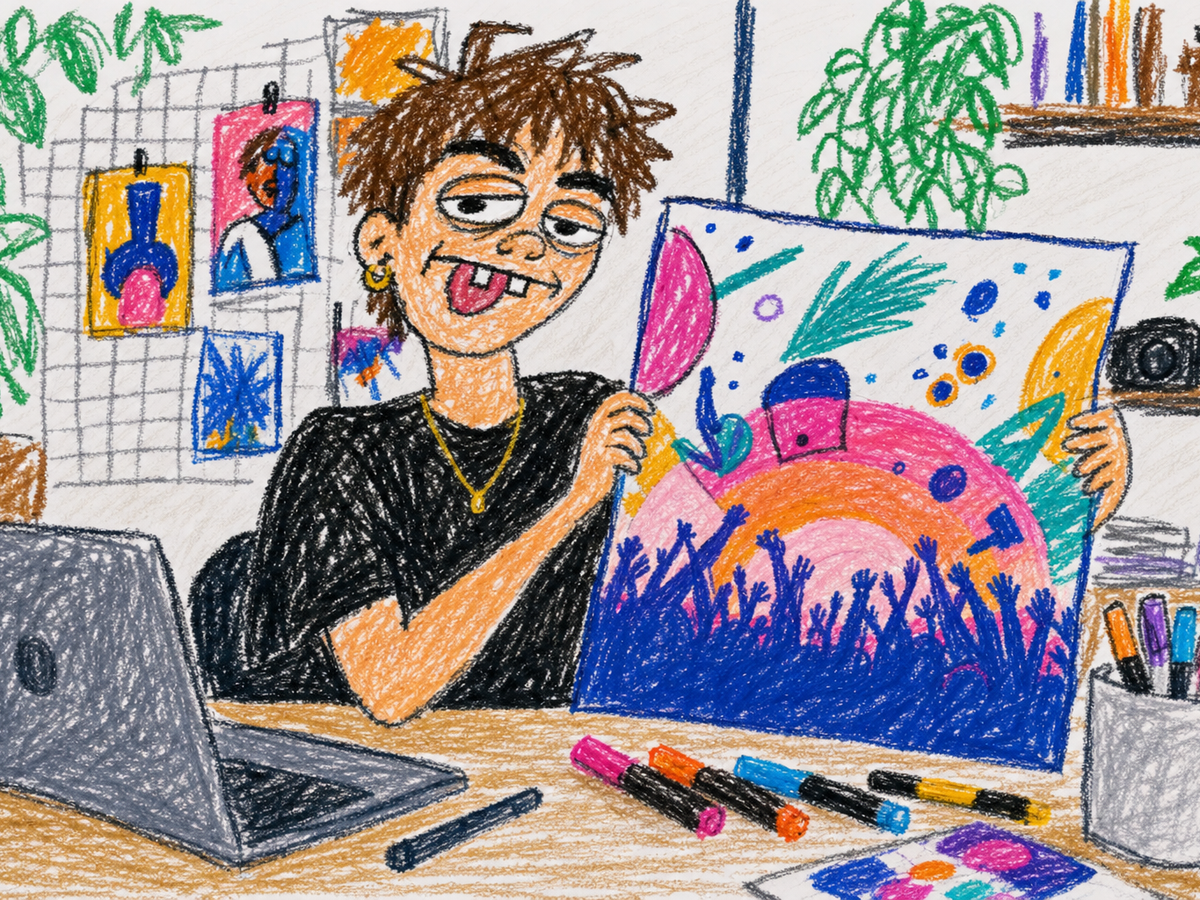
Ugly doodle leans into internet-meme marker chaos; Toddler crayon feels like a preschooler scribbling hard. Pick a style, upload, and generate—no prompt writing.
Same flow—just swap in your own photo.
Turn cat snaps or selfies into crayon avatars for social posts and group chats—the messier, the funnier.
Event posters, movie stills, app screens—downgrade them into roast-ready meme assets.
Build polished-vs-ugly before/after posts for series content or short-video covers.
Tap a card to jump back to the upload area and try your own photo.
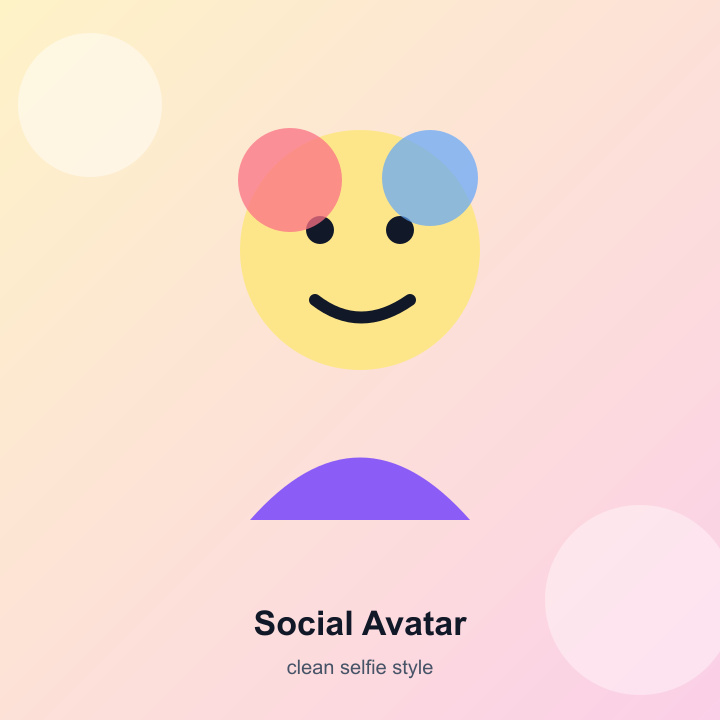
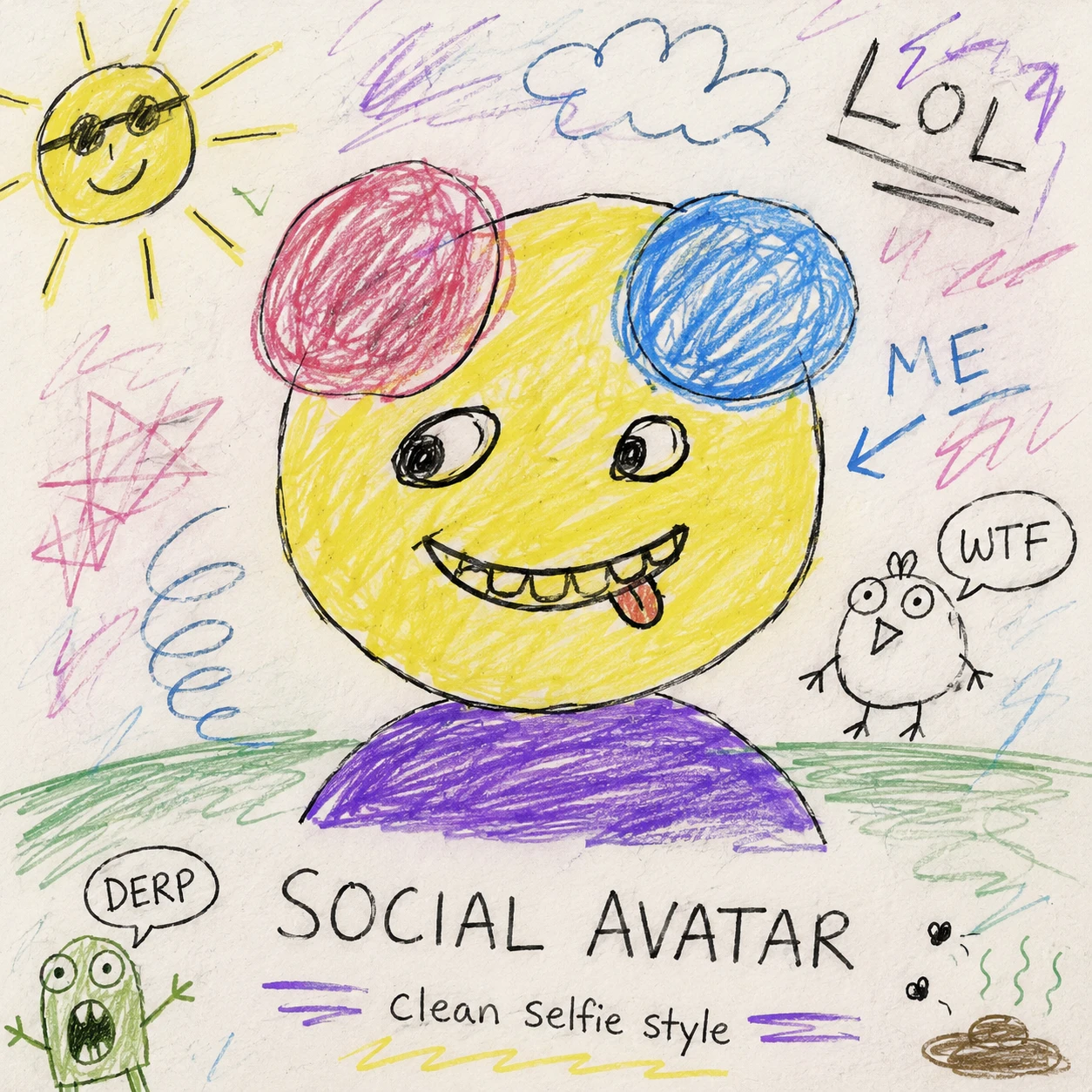
Selfies for Discord or group chats
Try it →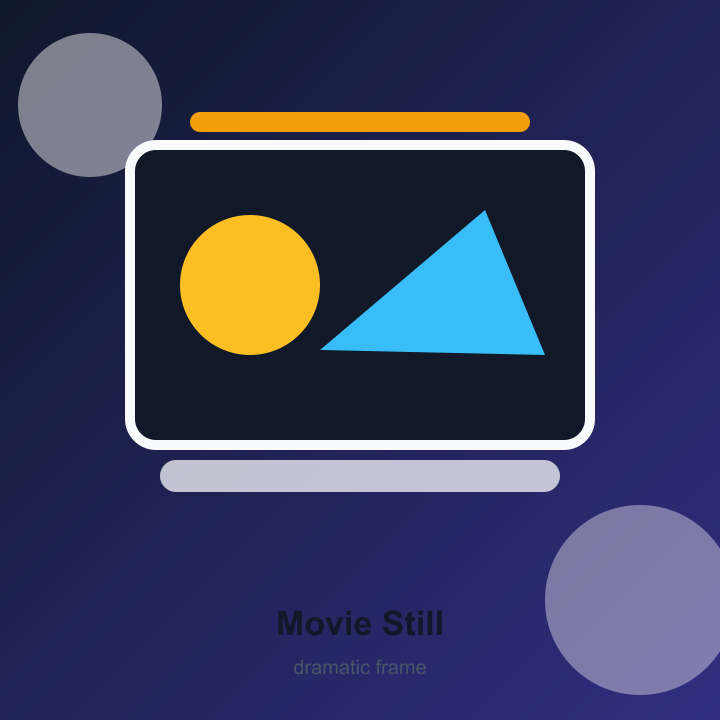
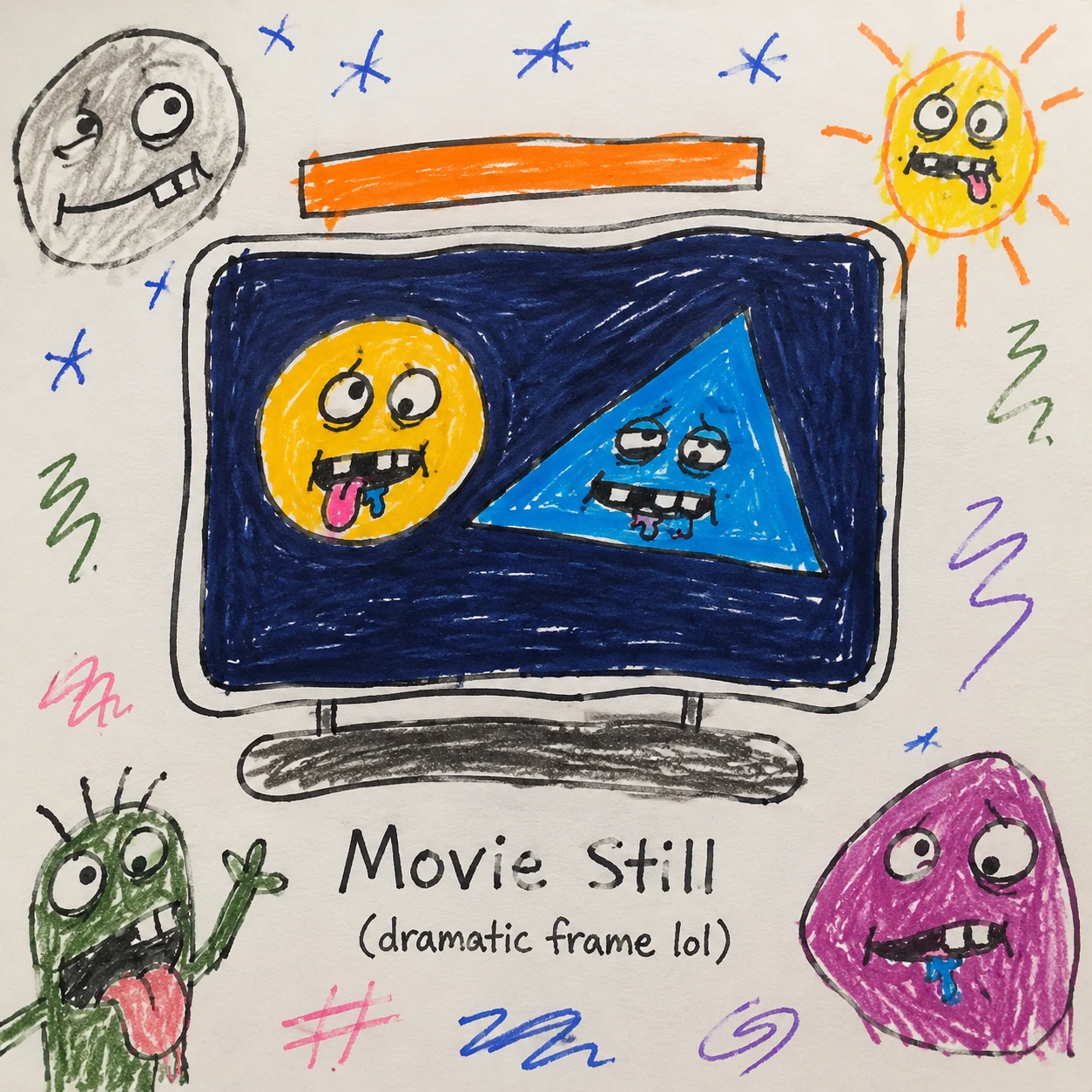
Downgrade iconic frames to doodles
Try it →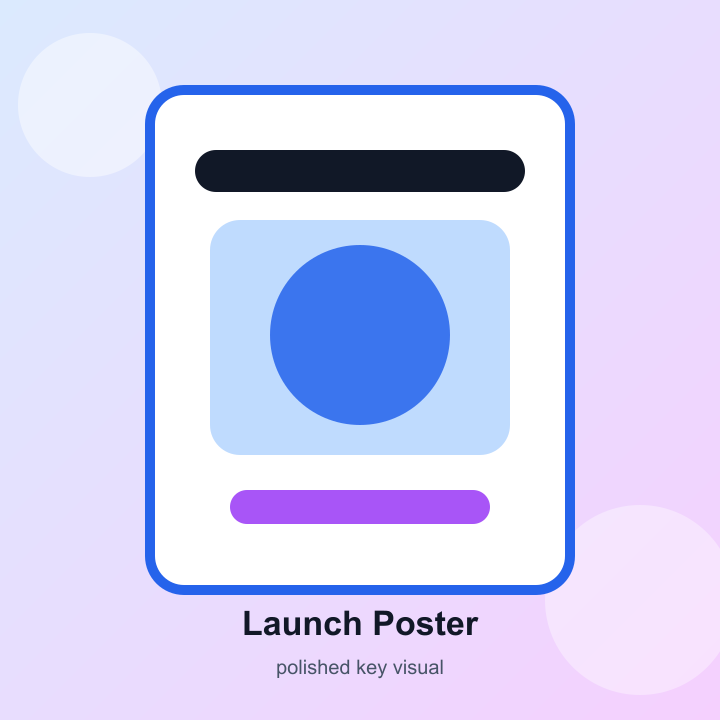
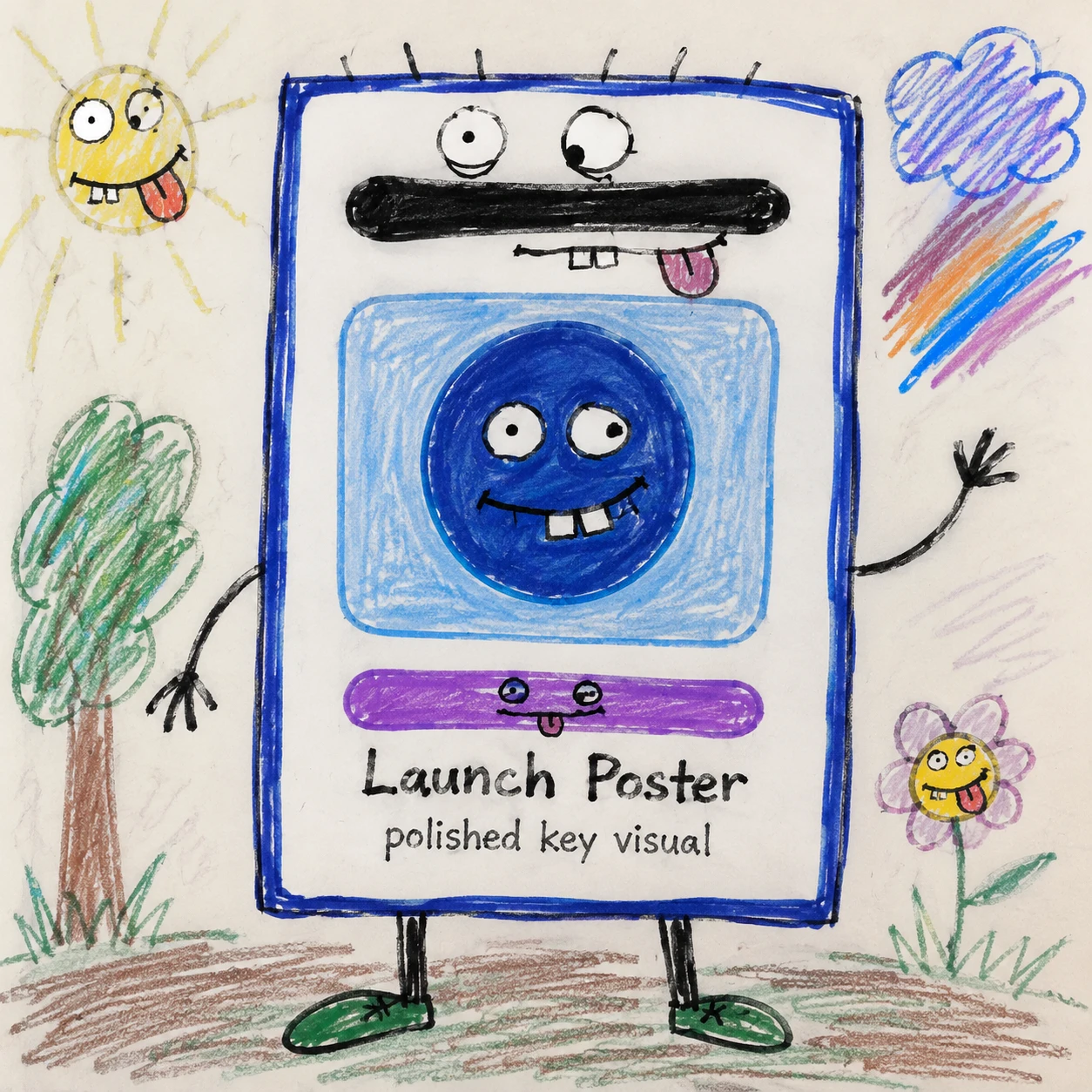
Polished KV vs ugly redo
Try it →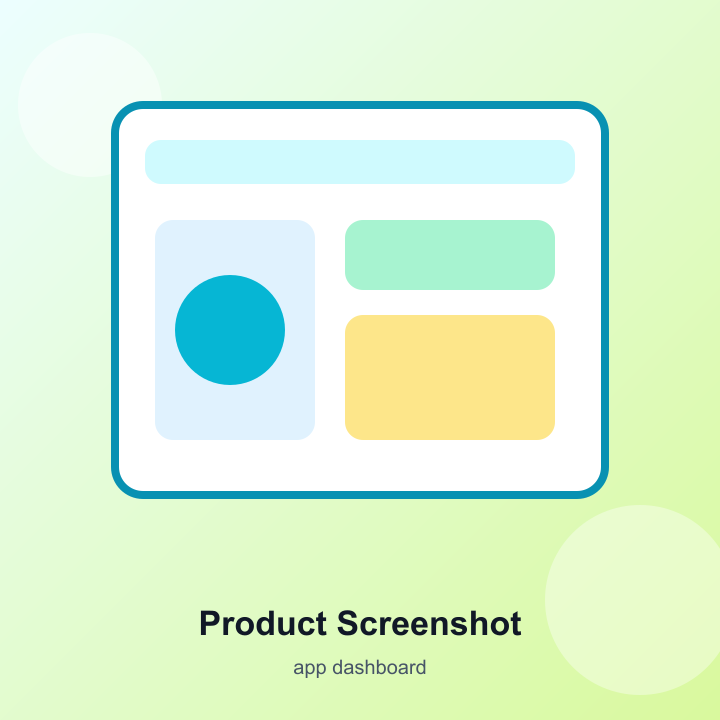
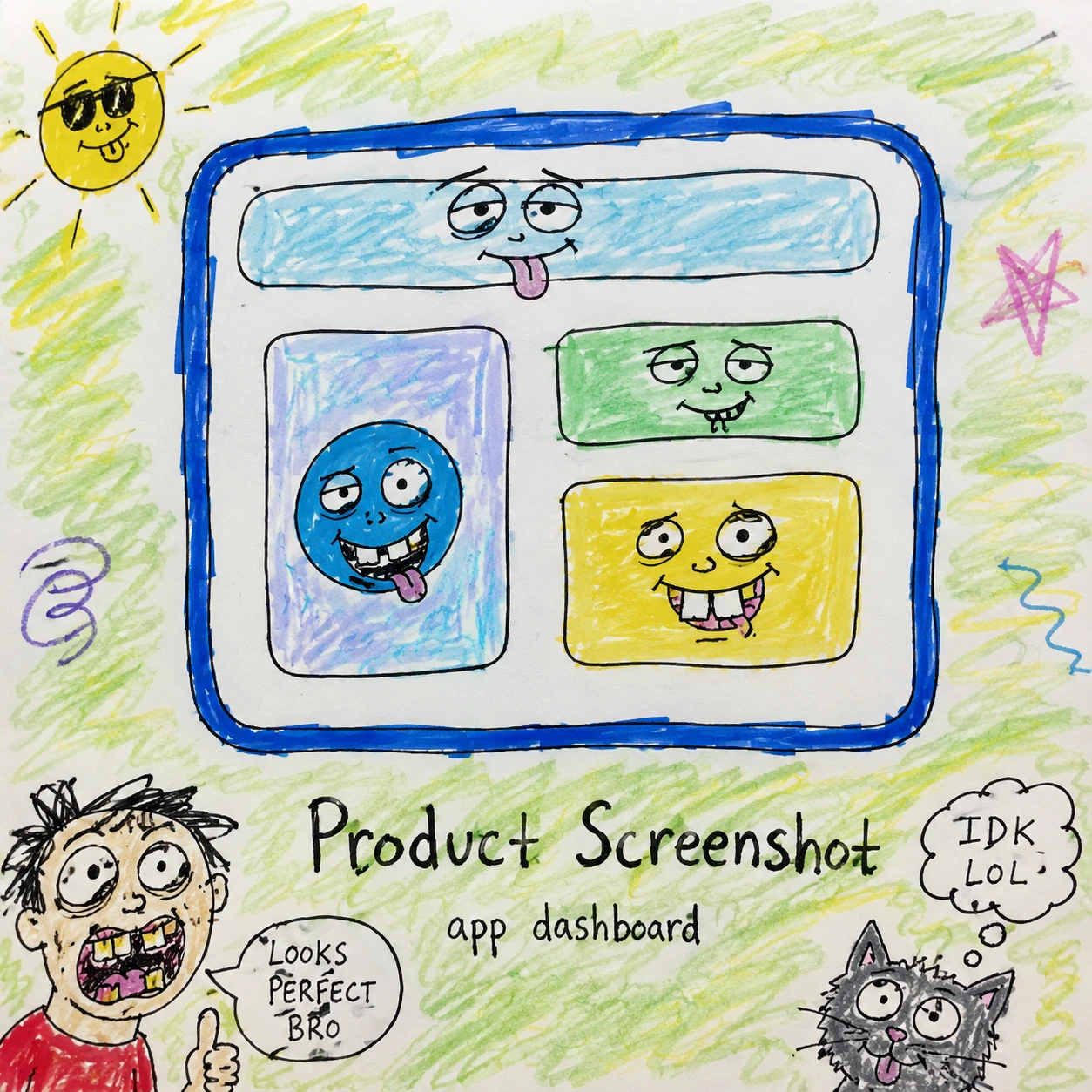
Launch slides or app captures
Try it →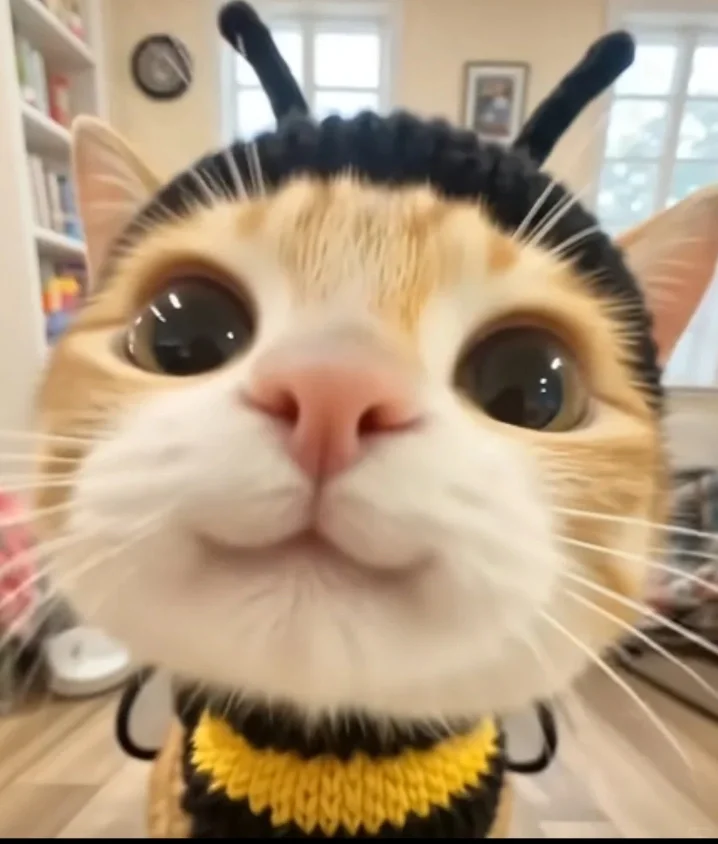
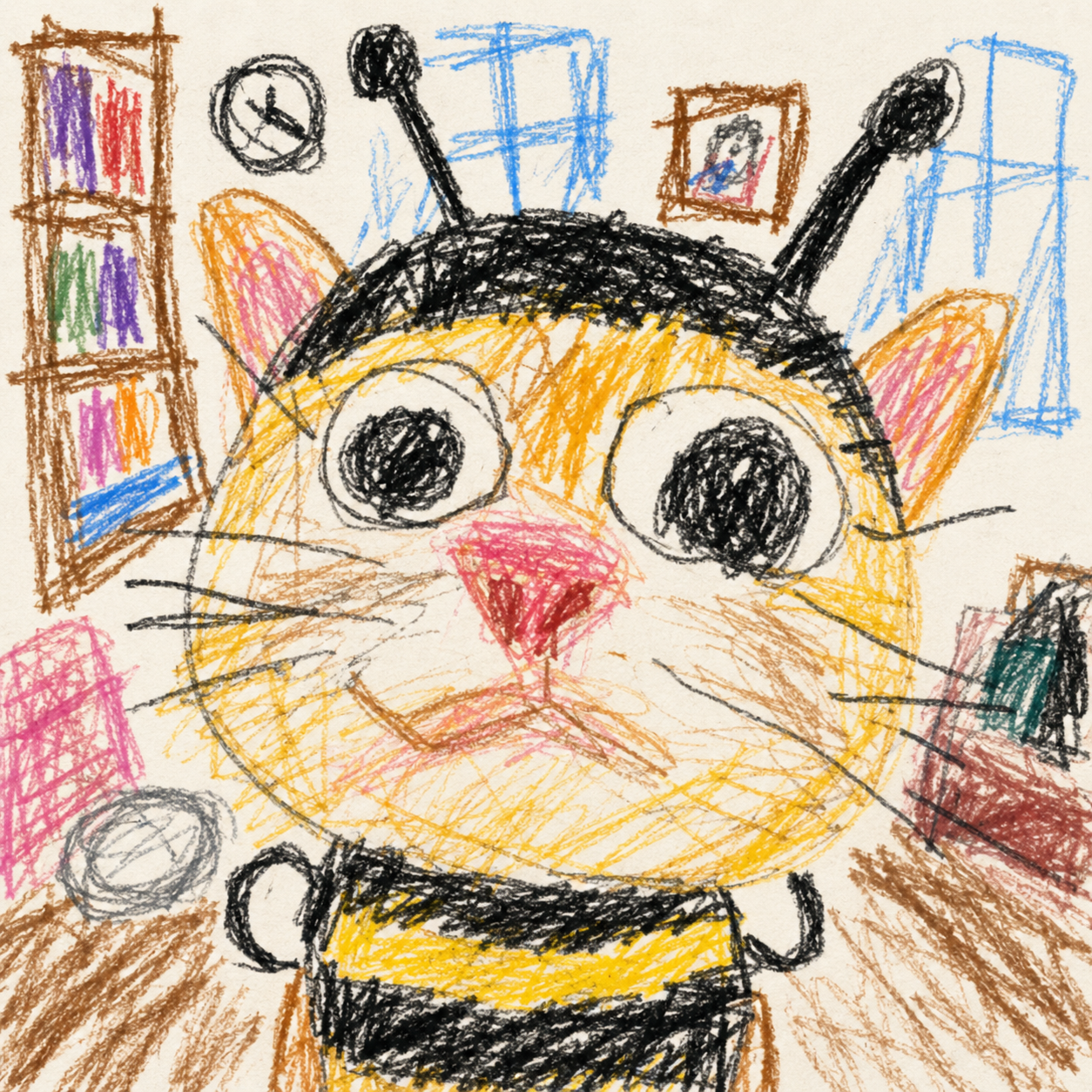
Pet sharing · social contrast · chat memes
Try it →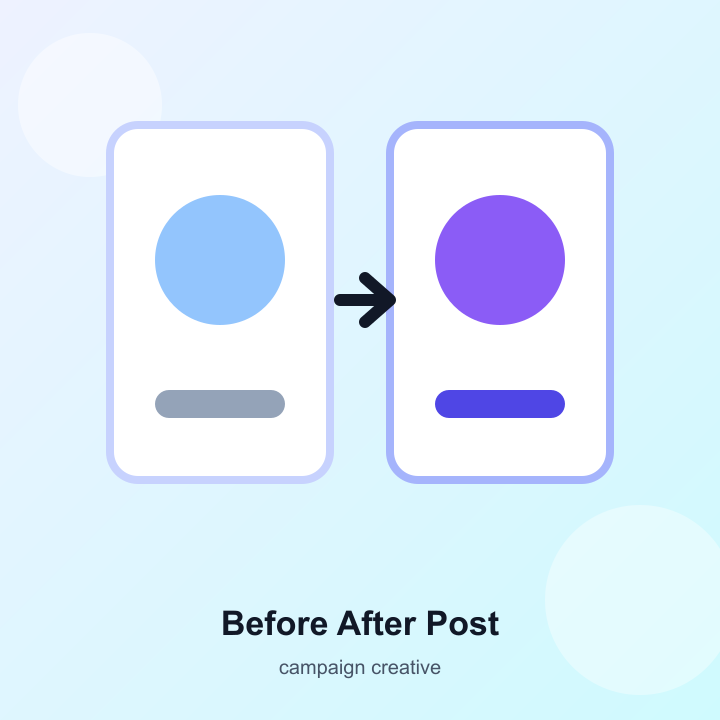
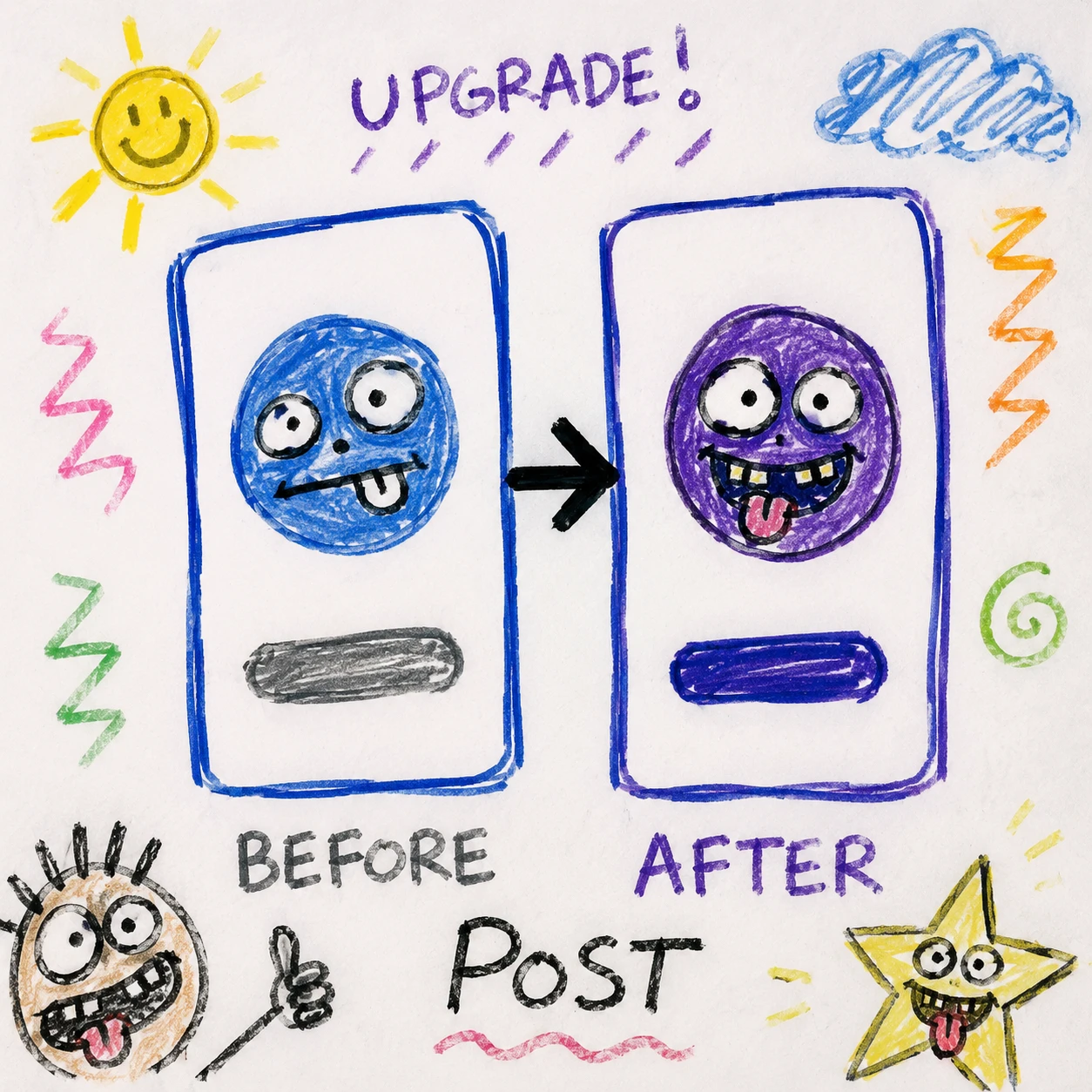
Before/after series assets
Try it →Three steps, all on this page.
Choose Ugly doodle or Toddler crayon, then drop JPG, PNG, or WebP up to 10MB.
First run often takes up to a minute, then you land on the result page.
Source and doodle sit side by side—save when you like it.
FAQ
Pricing, privacy, style differences, and commercial use.
You can try it free on this page. Actual limits depend on current API quota and rate limits—if you hit a cap, wait and retry or check tacotaco updates.
Yes. GPT Image 2 image-to-image uses your upload as reference—style and exaggeration change, not a totally new layout.
Only upload images you have rights to process. Do not upload minors, IDs, private data, or portraits without permission.
That is the goal: toddler-style rough lines, uneven crayon color, and silly faces spread better as memes and pet posts than polished art.
Yes. Everyday cat and pet photos work great for toddler crayon contrast memes. Only upload images you have rights to process.
Follow copyright on source images, platform terms, and local law—tacotaco does not grant commercial rights on your uploads.
Ugly doodle targets internet-meme marker chaos; Toddler crayon mimics a 3–4 year old’s messy crayon sketch—great for pet posts. Switch effect type in the try-out card before uploading.
Cartoon filters aim for polish; both effects here stay rough and joke-first—not polished illustration.
Scroll up, pick a style, and hit generate.
Ugly doodle
A funny, ugly, lazy meme-like doodle drawing of this photo. Drawn with cheap markers and crayons, messy childlike style, extremely bad perspective, awkward proportions, and slightly exaggerated stupid-looking facial features. Simple rough cartoon background with random sketchy lines, uneven coloring, and visible strokes. Deliberately unpolished, humorous, internet meme art style. --no realism, shading, polished, masterpiece, beautiful, 3d
Toddler crayon
Transform the uploaded image into a funny toddler-style crayon drawing, as if a 3–4 year old child tried very hard but has no idea what they are drawing. Keep it messy, clumsy, uneven, and cutely inaccurate. Rough scribbly lines; awkward shapes; completely wrong proportions; extremely simplified details. It should feel like a child quickly sketched the scene from memory with random crayon strokes. Avoid realistic anatomy, clean outlines, perfect symmetry, professional shading, or polished illustration. The charm comes from looking silly, chaotic, and accidentally hilarious. Style: messy crayon drawing, child doodle, random proportions, uneven coloring, simple shapes, loose interpretation of the source. --no realism, clean lines, symmetry, professional shading, polished illustration, masterpiece, 3d