How is double exposure different from collage?
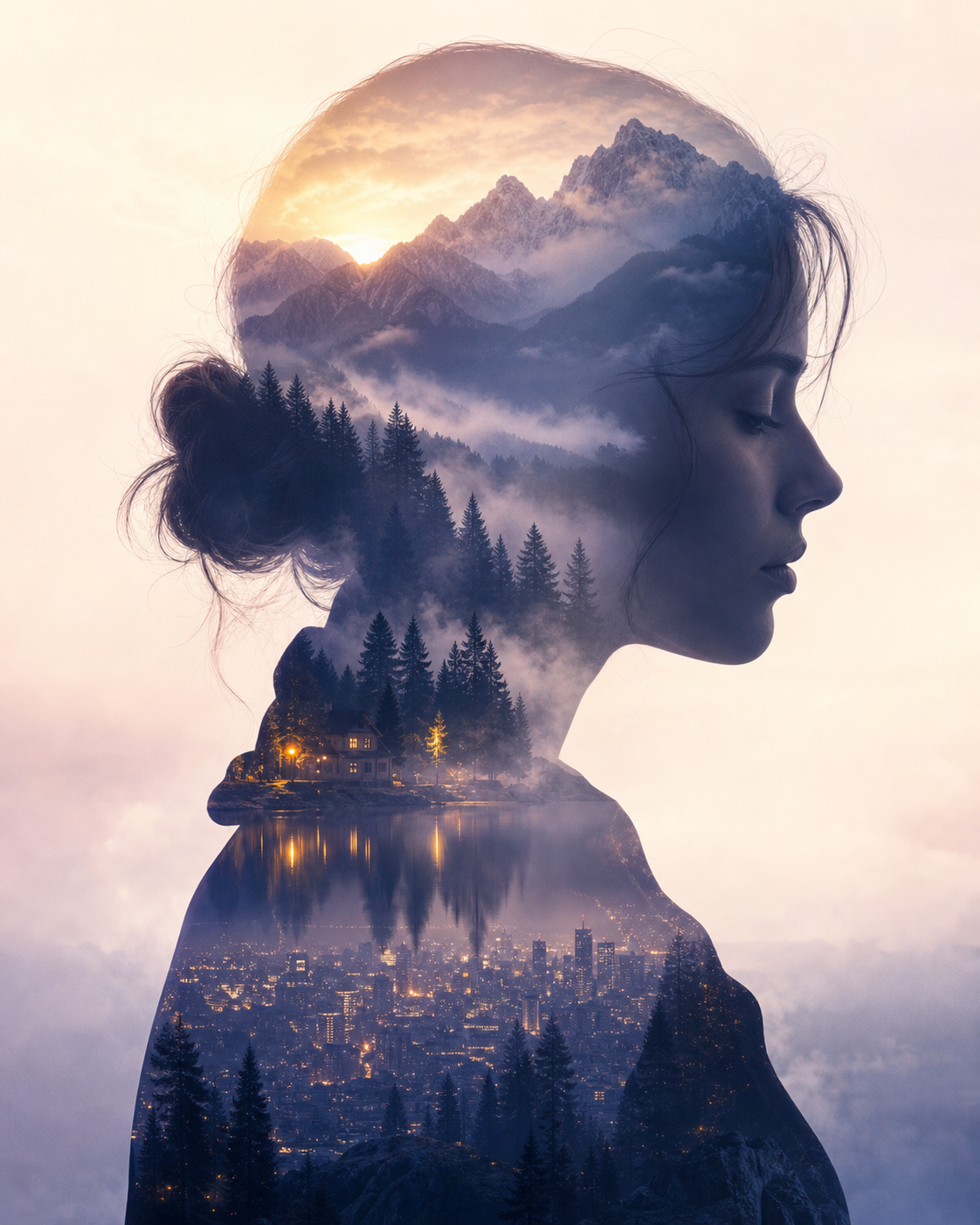
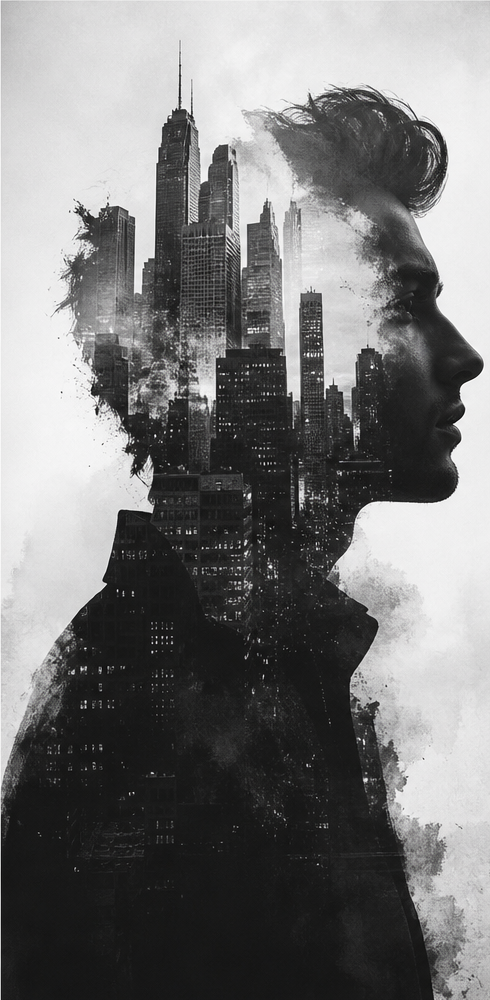
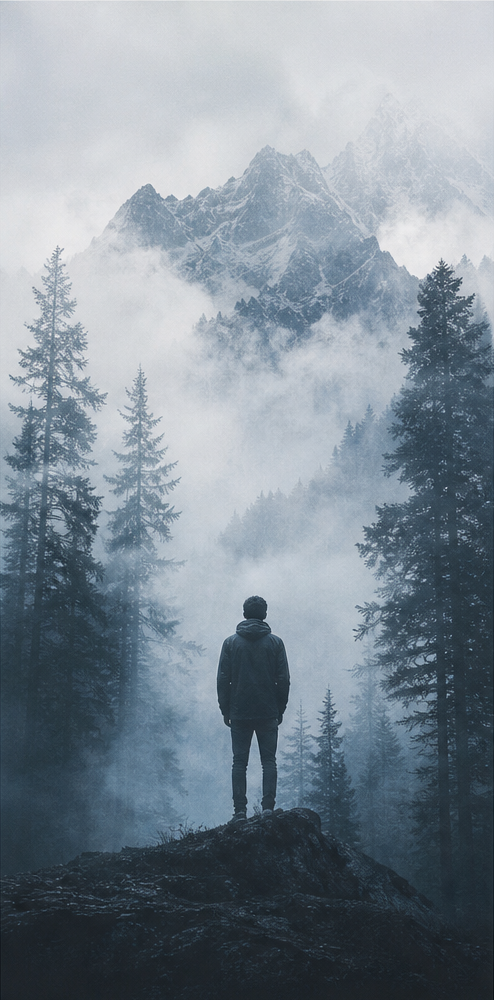
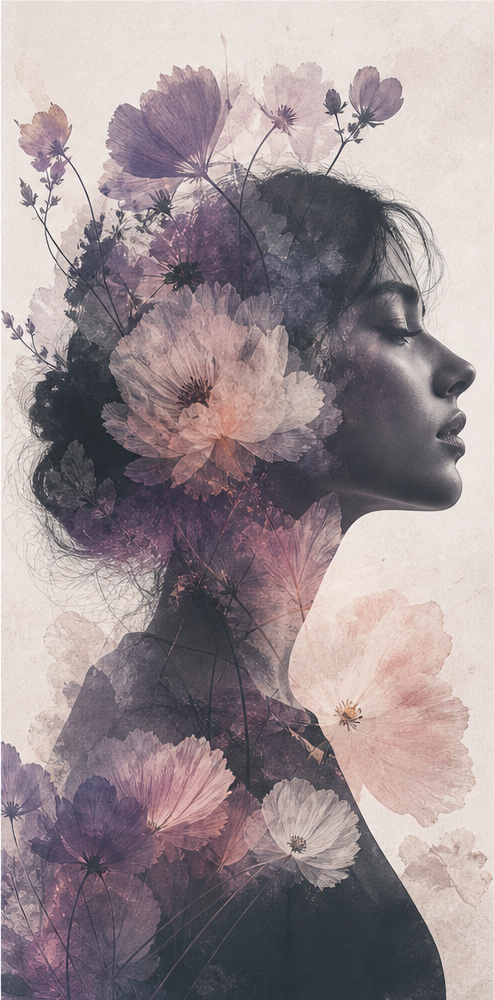
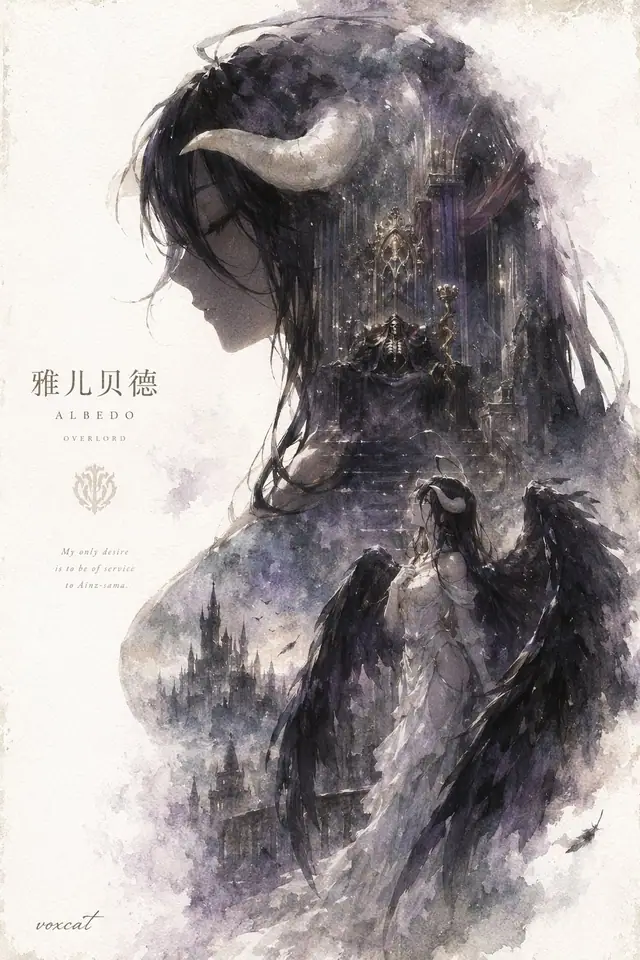
Double exposure blends a subject silhouette with another scene through shared light, texture, and negative space, rather than simply placing images side by side.

Blend people with cities or landscapes to give your images a cinematic feel.
Looking for double exposure portraits, posters, or travel covers? Browse examples and prompts by scene, then start with one you like.
Portrait layers
Faces blended with scenes
City silhouettes
Skylines inside profiles
Poster-ready
For covers and campaigns
Copy-ready
Use complete prompts
Double exposure portraits, city silhouettes, sports posters, and travel cover prompts keep growing

AI Poster Prompt for an Epic Silhouette Narrative
→
Double Exposure Prompt for Football Star City Poster
→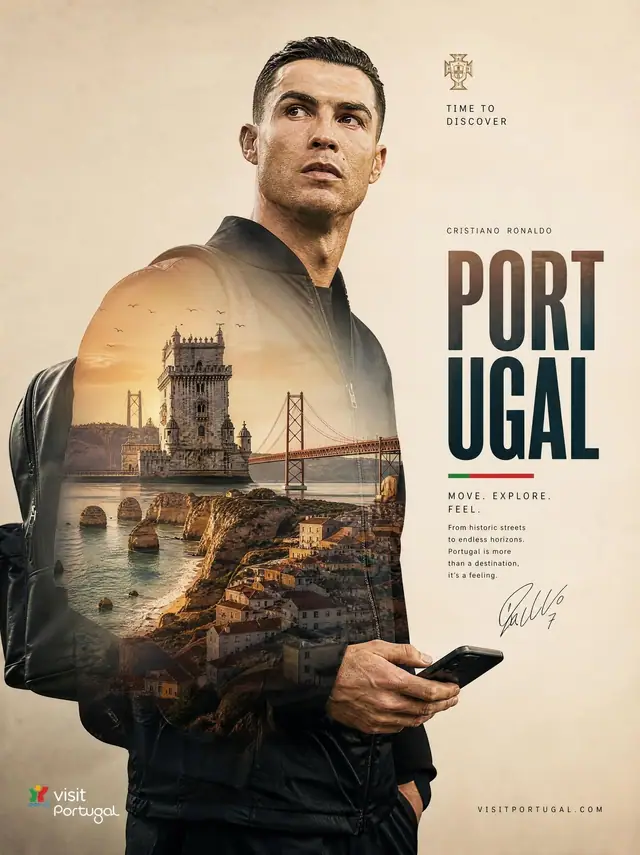
Double Exposure Prompt for Portugal Travel Poster
→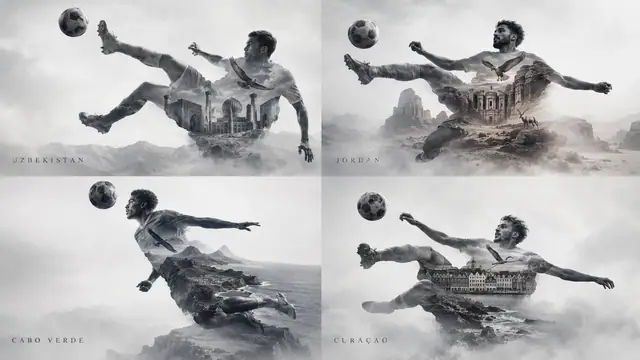
Double Exposure Prompt for World Cup Sports Poster
→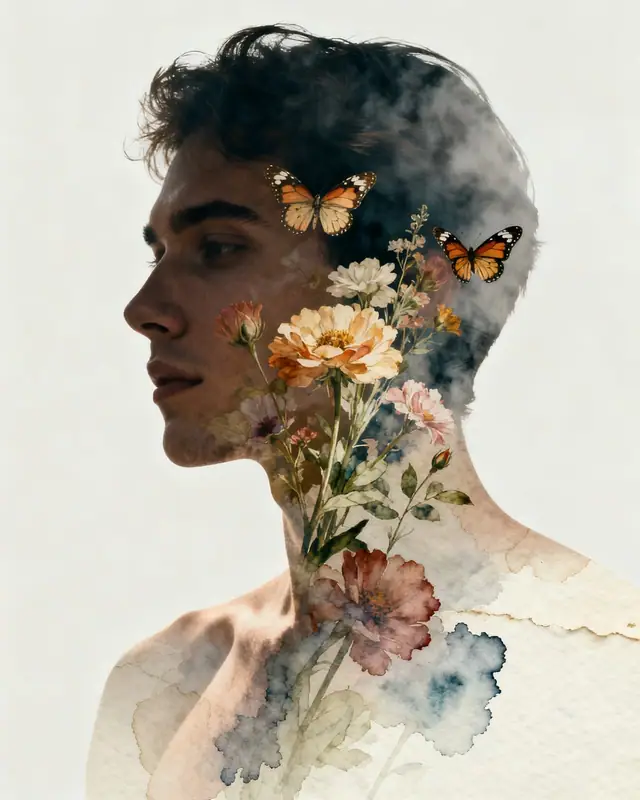
Double Exposure Prompt for Watercolor Flower Butterfly Portrait
→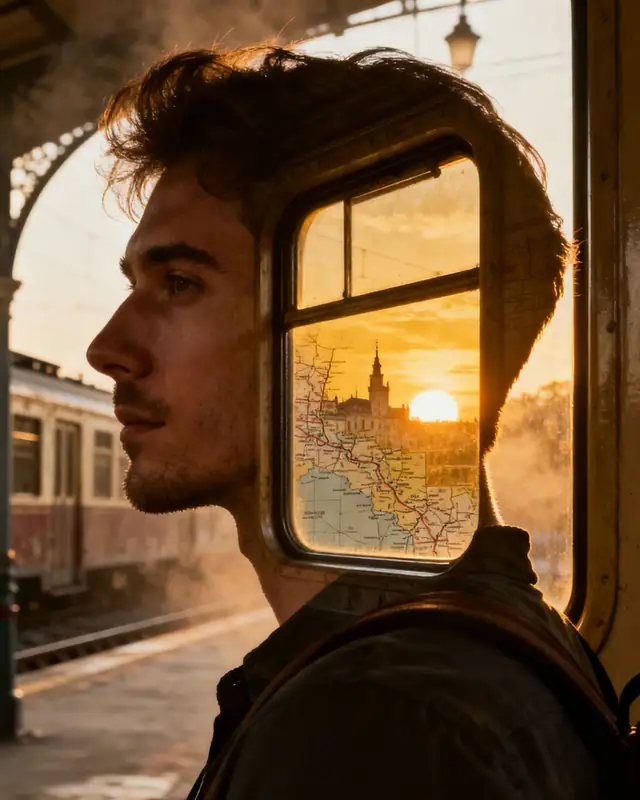
Double Exposure Prompt for Train Window Travel Portrait
→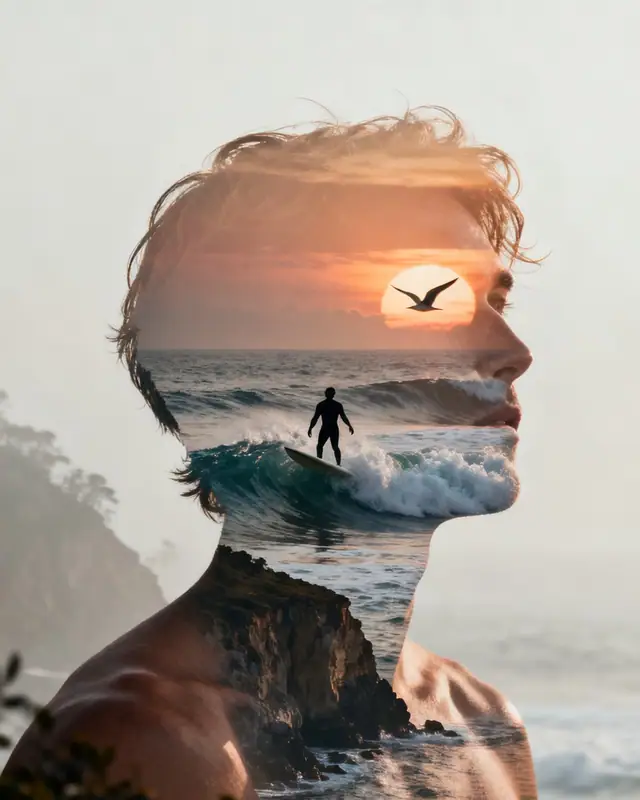
Double Exposure Prompt for Surfer Ocean Sunset Poster
→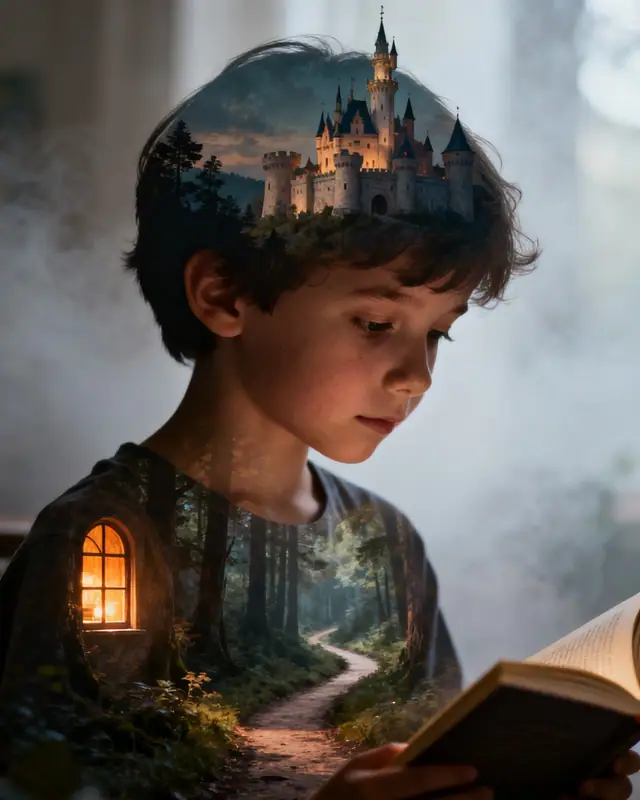
Double Exposure Prompt for Storybook Castle Portrait
→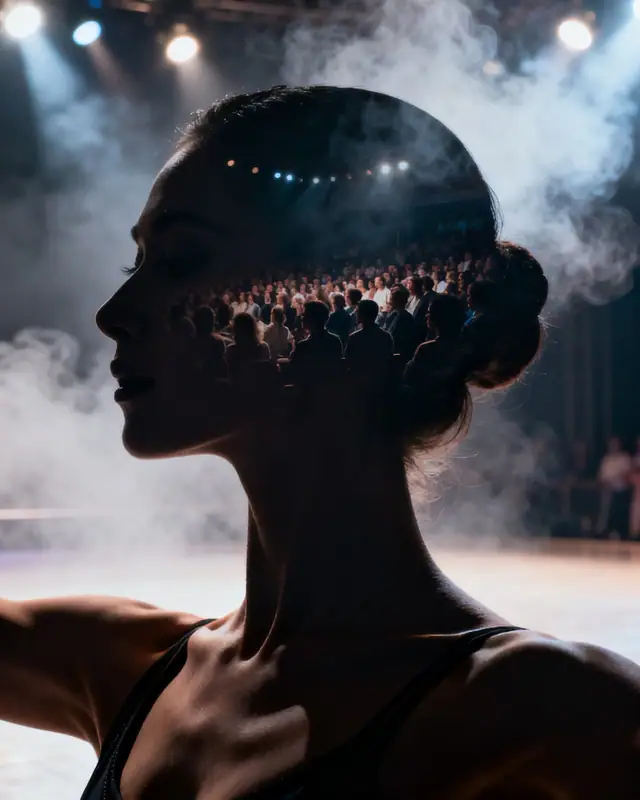
Double Exposure Prompt for Stage Dancer Smoke Poster
→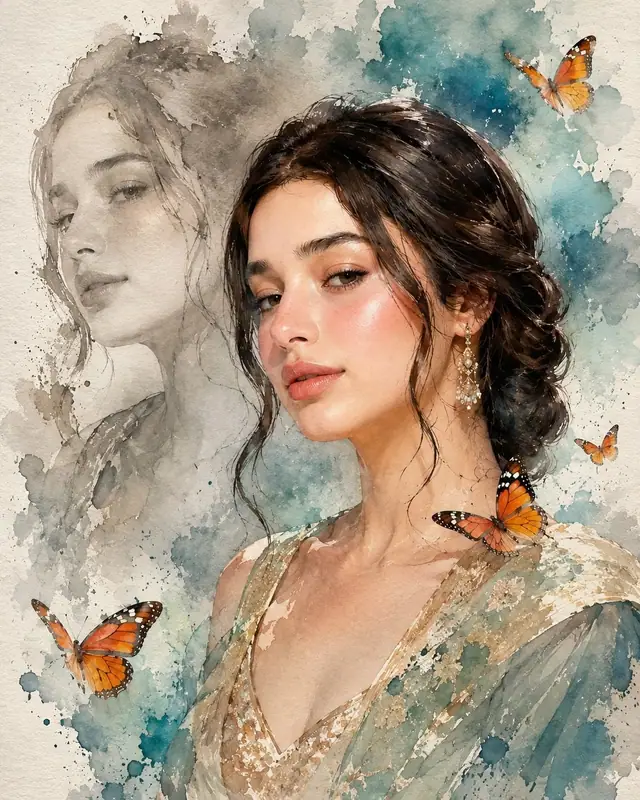
Double Exposure Prompt for Watercolor Flower Portrait
→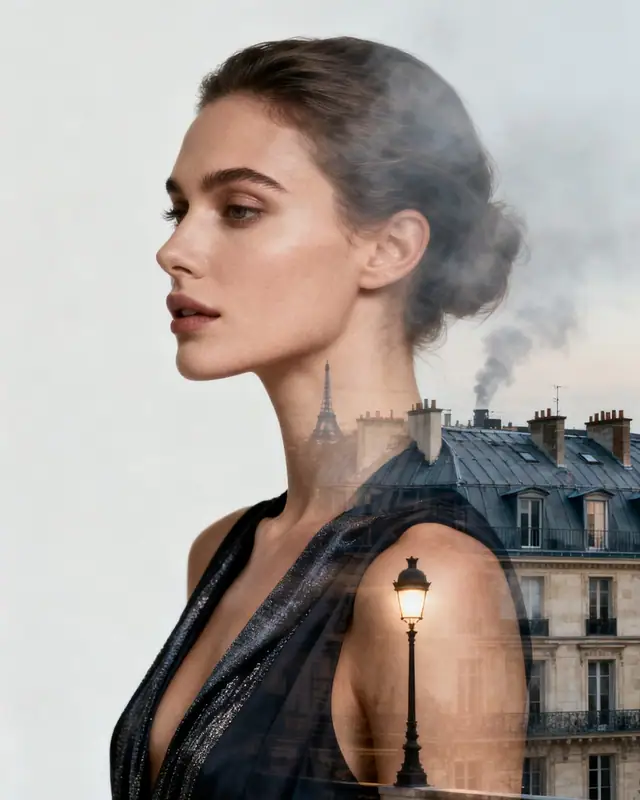
Double Exposure Prompt for Paris Fashion Rooftop Portrait
→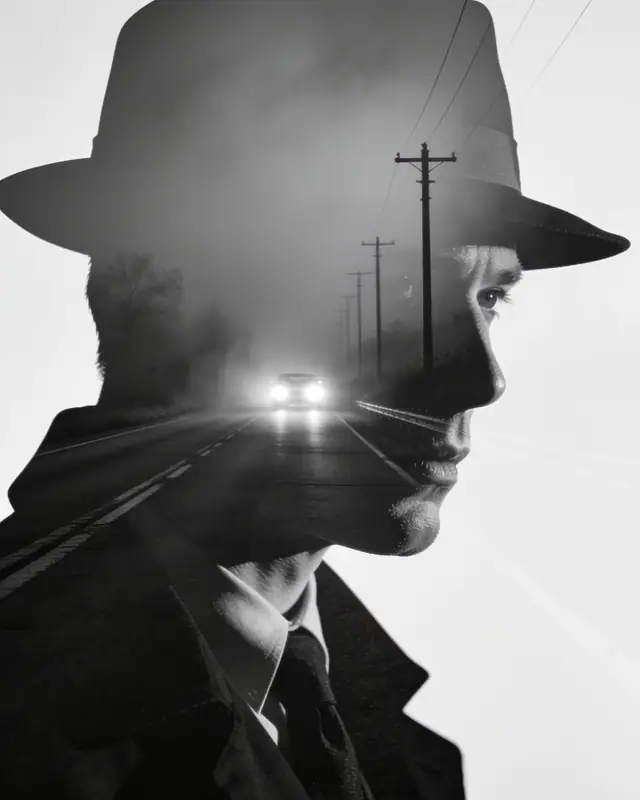
Double Exposure Prompt for Noir Detective Highway Poster
→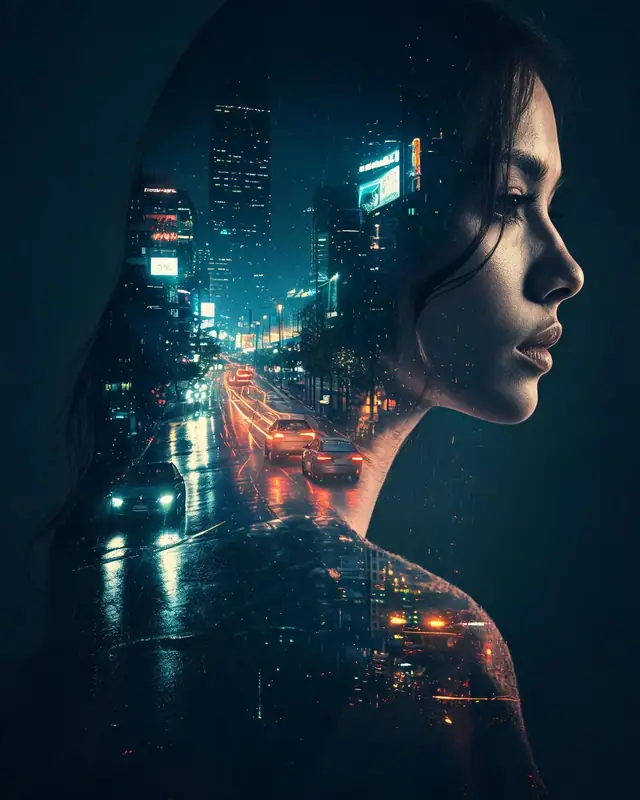
Double Exposure Prompt for Neon City Rain Portrait
→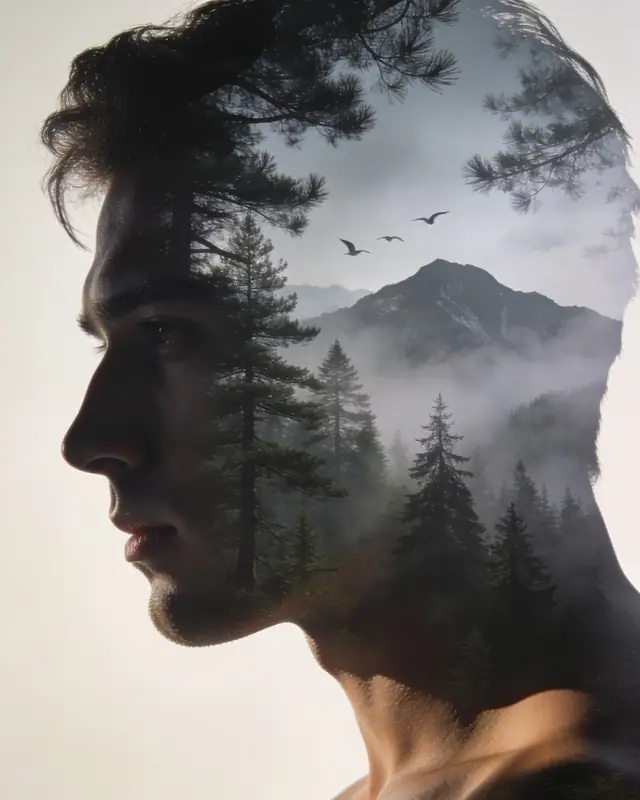
Double Exposure Prompt for Misty Forest Mountain Portrait
→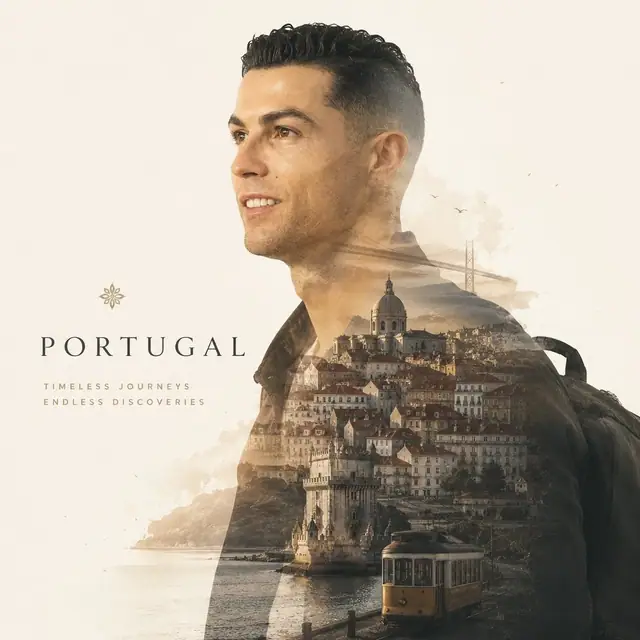
Double Exposure Prompt for Cinematic Travel Magazine Poster
→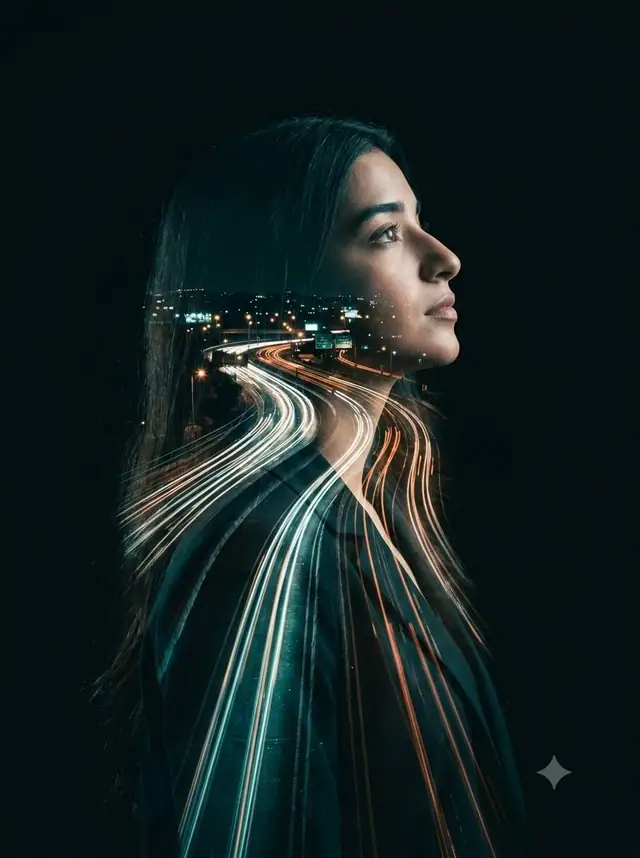
Double Exposure Prompt for Night Highway Portrait
→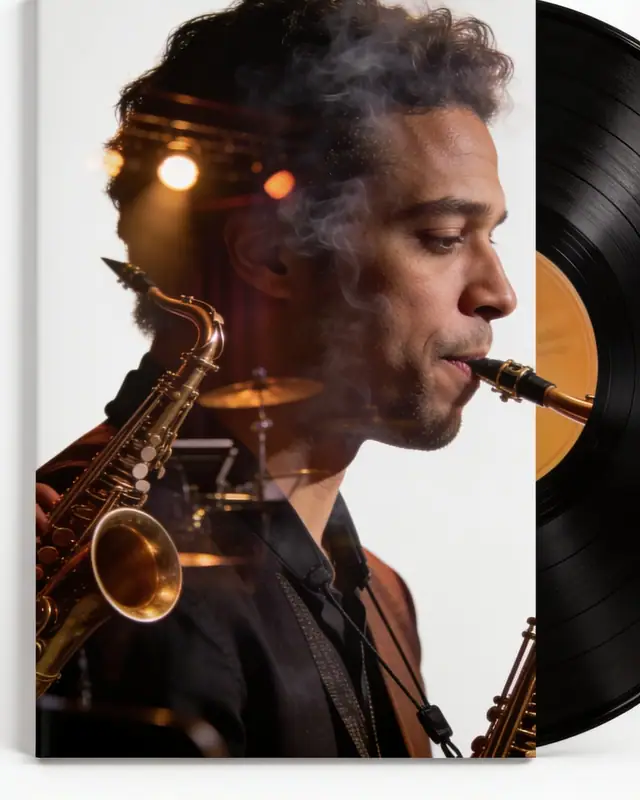
Double Exposure Prompt for Jazz Club Vinyl Musician Poster
→
Double Exposure Prompt for National Football Hero Poster
→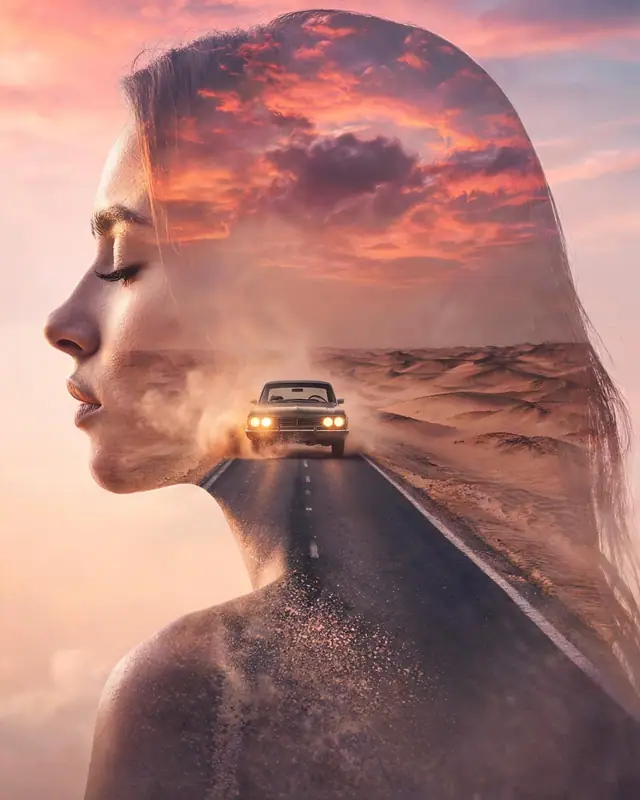
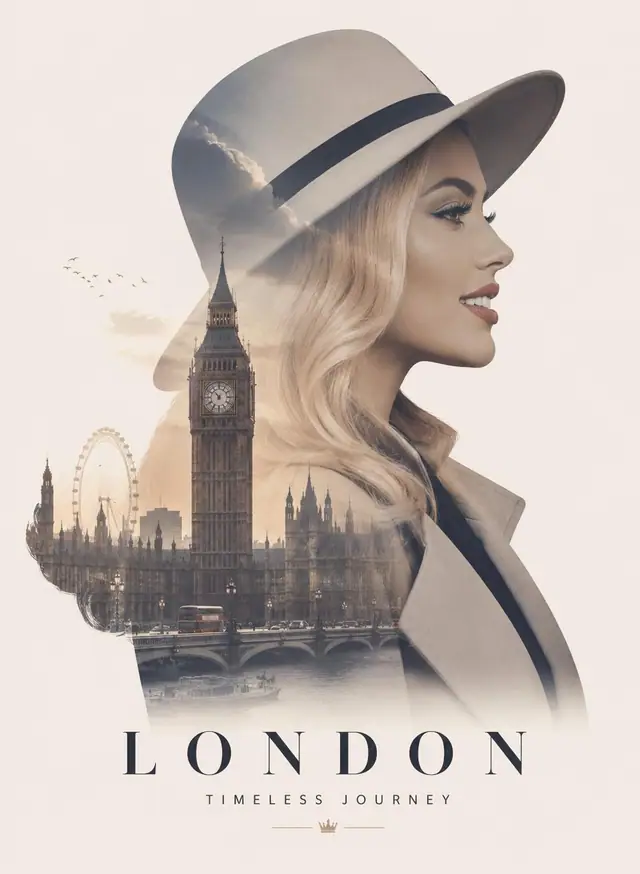
Double Exposure Prompt for Desert Road Cinematic Poster
→
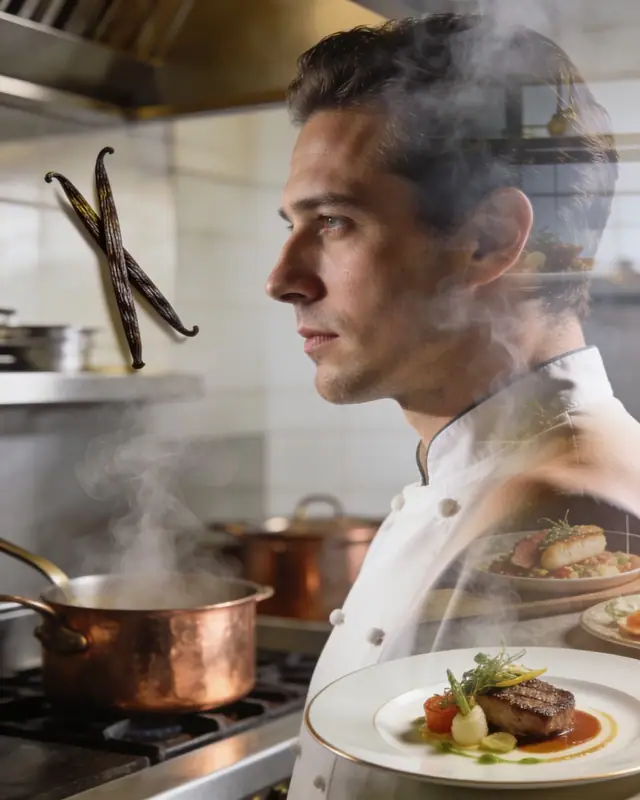
Double Exposure Prompt for Luxury City Travel Poster
→
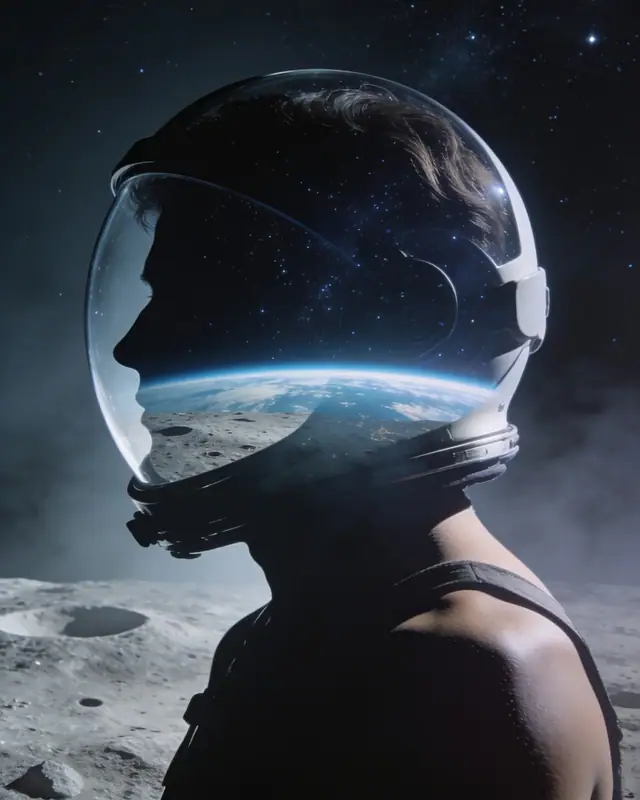
Double Exposure Prompt for Chef Steam Kitchen Portrait
→
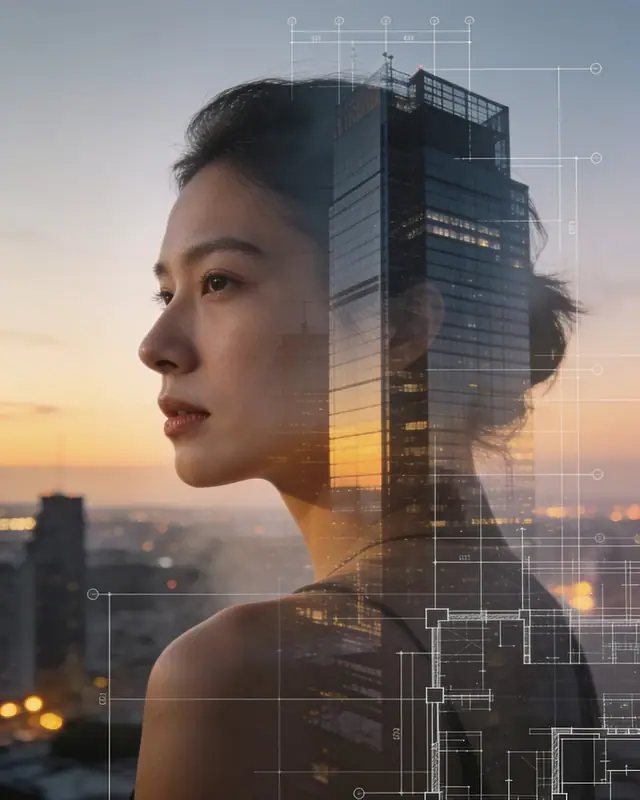
Double Exposure Prompt for Astronaut Moon Earth Poster
→
Double Exposure Prompt for Architect Glass City Portrait
→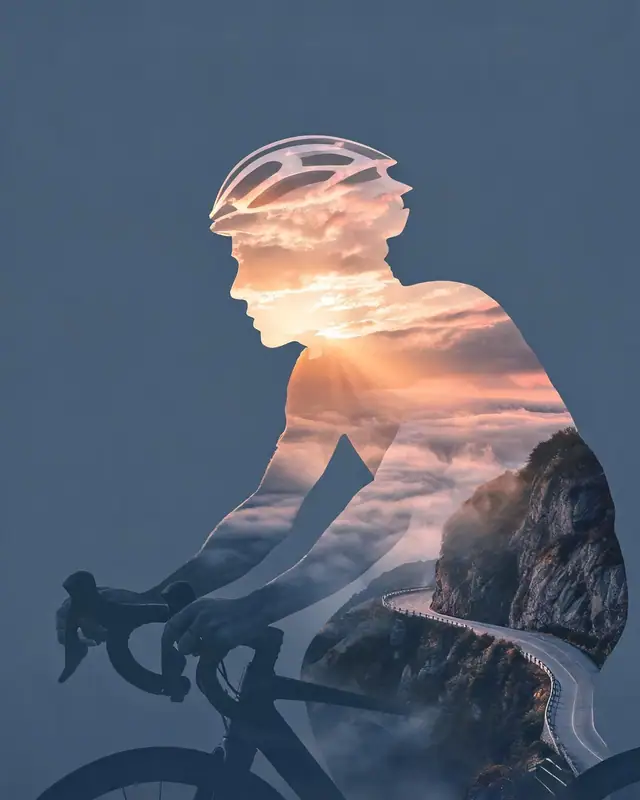
Double Exposure Prompt for Alpine Cyclist Sports Poster
→Pick a subject
Portrait, pet, or athlete
→
Choose the layer
City, forest, coast, light trails
→
Copy the prompt
Keep composition and blend rules
→
Generate and tune
Tune color and ratio by use
Double exposure works when a portrait, skyline, landscape, and story need to live in one image. This topic collects copy-ready GPT Image 2 prompts for posters, covers, and social visuals.
Popular directions
Use-case first
Sorted by poster, cover, and portrait use
Complete structure
Subject, layer, and lighting are defined
Easy to reuse
Copy a prompt and generate
Growing hub
New styles and examples added
Try a night light-trail portrait first?
Start with a black-background profile and highway light trails to understand subject, layer, and cinematic light.
Open the portrait prompt →Double exposure blends a subject silhouette with another scene through shared light, texture, and negative space, rather than simply placing images side by side.
They work for portrait posters, music covers, travel campaigns, sports hero posters, brand visuals, and social covers.
Use a reference image when identity matters. For concept posters, text-to-image prompts can be enough.
Usually there are too many layers or the silhouette is weak. Keep one subject, one core scene, and one main light direction.
Blend people with cities or landscapes to give your images a cinematic feel.
Looking for double exposure portraits, posters, or travel covers? Browse examples and prompts by scene, then start with one you like.
Portrait layers
Faces blended with scenes
City silhouettes
Skylines inside profiles
Poster-ready
For covers and campaigns
Copy-ready
Use complete prompts
Double exposure portraits, city silhouettes, sports posters, and travel cover prompts keep growing
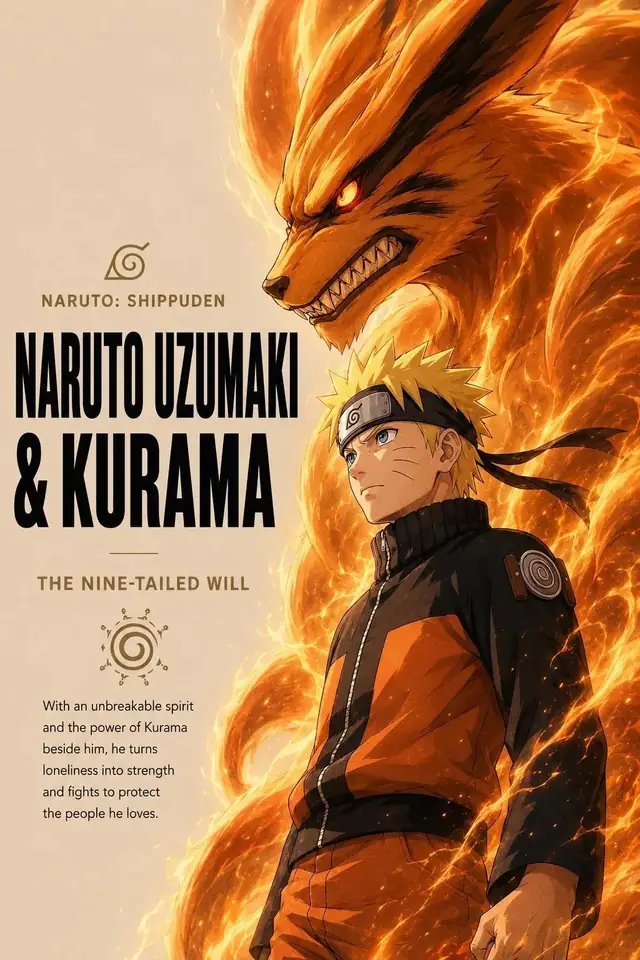
AI Poster Prompt for an Epic Silhouette Narrative
Double Exposure Prompt for Football Star City Poster
Double Exposure Prompt for Portugal Travel Poster
Double Exposure Prompt for World Cup Sports Poster
Double Exposure Prompt for Watercolor Flower Butterfly Portrait
Double Exposure Prompt for Train Window Travel Portrait
Double Exposure Prompt for Surfer Ocean Sunset Poster
Double Exposure Prompt for Storybook Castle Portrait
Double Exposure Prompt for Stage Dancer Smoke Poster
Double Exposure Prompt for Watercolor Flower Portrait
Double Exposure Prompt for Paris Fashion Rooftop Portrait
Double Exposure Prompt for Noir Detective Highway Poster
Double Exposure Prompt for Neon City Rain Portrait
Double Exposure Prompt for Misty Forest Mountain Portrait
Double Exposure Prompt for Cinematic Travel Magazine Poster
Double Exposure Prompt for Night Highway Portrait
Double Exposure Prompt for Jazz Club Vinyl Musician Poster
Double Exposure Prompt for National Football Hero Poster
Double Exposure Prompt for Desert Road Cinematic Poster
Double Exposure Prompt for Luxury City Travel Poster
Double Exposure Prompt for Chef Steam Kitchen Portrait
Double Exposure Prompt for Astronaut Moon Earth Poster
Double Exposure Prompt for Architect Glass City Portrait
Double Exposure Prompt for Alpine Cyclist Sports Poster
Pick a subject
Portrait, pet, or athlete
Choose the layer
City, forest, coast, light trails
Copy the prompt
Keep composition and blend rules
Generate and tune
Tune color and ratio by use
Double exposure works when a portrait, skyline, landscape, and story need to live in one image. This topic collects copy-ready GPT Image 2 prompts for posters, covers, and social visuals.
Popular directions
Use-case first
Sorted by poster, cover, and portrait use
Complete structure
Subject, layer, and lighting are defined
Easy to reuse
Copy a prompt and generate
Growing hub
New styles and examples added
Start with a black-background profile and highway light trails to understand subject, layer, and cinematic light.
Open the portrait prompt →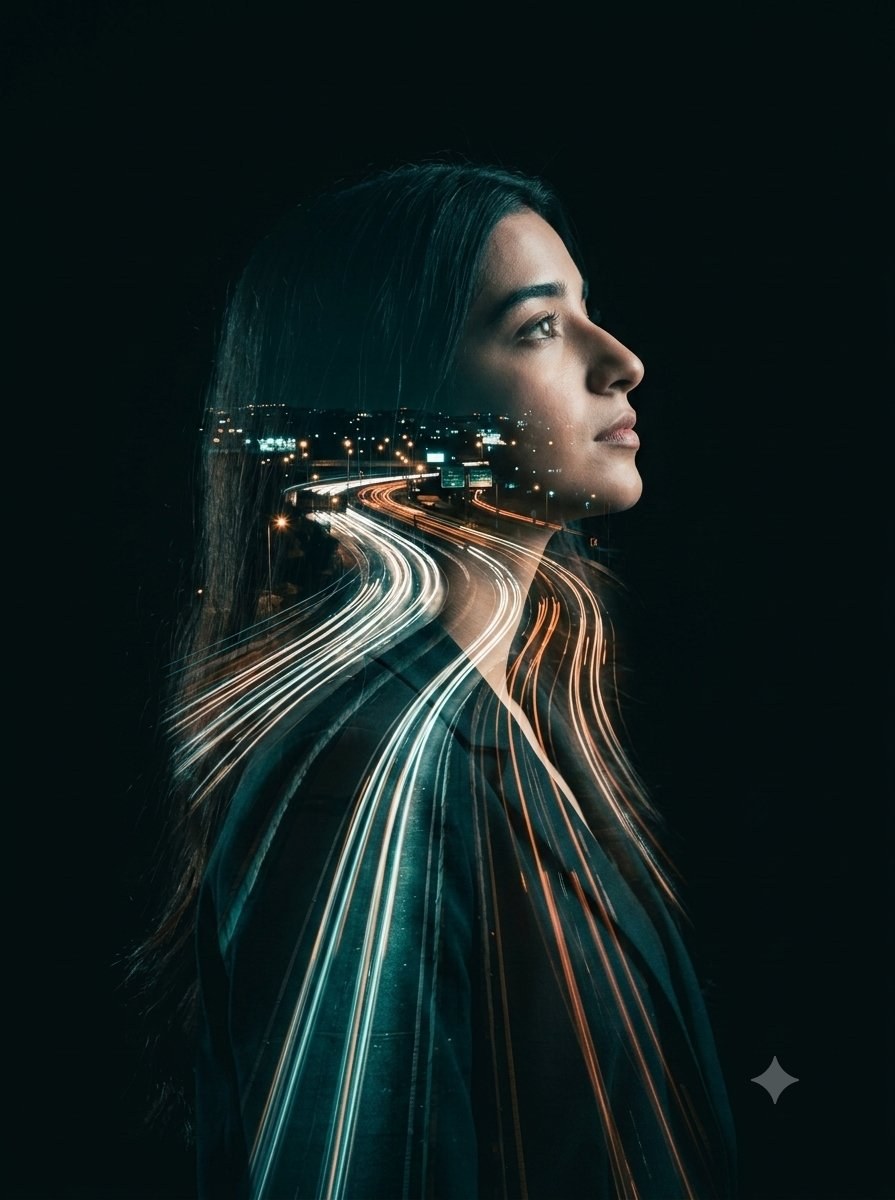
Double exposure blends a subject silhouette with another scene through shared light, texture, and negative space, rather than simply placing images side by side.
They work for portrait posters, music covers, travel campaigns, sports hero posters, brand visuals, and social covers.
Use a reference image when identity matters. For concept posters, text-to-image prompts can be enough.
Usually there are too many layers or the silhouette is weak. Keep one subject, one core scene, and one main light direction.
Verified double exposure prompt queries point to one job: combine a subject and a story scene in one image. This topic groups usable prompts by portrait, city, nature, sports, and travel intent while keeping prompt pages on narrower long-tail scenes.
double exposure portrait prompt
Make a light-trail double exposure portrait
Best for album covers, personal brand visuals, and cinematic profile portraits.
sports double exposure poster
Make a national sports hero poster
Blend athlete, landmarks, stadium, and national colors into an event poster.
World Cup double exposure prompt
Make a homeland sports silhouette
Useful for national-team series, event teasers, and fan posters.
travel double exposure poster
Make a premium travel cover
Merge skyline, landmarks, and portrait silhouette into a travel campaign visual.
Double exposure fails when the prompt stacks too many elements. A useful prompt first locks the silhouette, then adds one core scene such as a skyline, misty forest, night light trails, or landmarks.
City double exposure uses a high-contrast profile or body silhouette to carry buildings, streets, lights, and landmarks. It is stronger than a plain city photo for travel posters, music covers, campaigns, and social headers.
Forests, mist, coastlines, and stars give double exposure a clear emotional direction. Describe weather, depth, haze, light direction, and aspect ratio so the scene blends instead of sitting on top of the face.
Looking for a different creative direction? Browse these related topics.